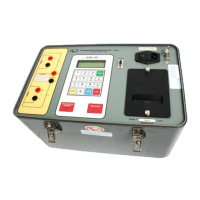
Model ATRT-03 (v) Operating Instruction
56
18-3. Restore Test Record Using Record Number
RESTORE RECORD
NUMBER:
“ENTER” TO CONFIRM
Figure 18-3. Restore Test Record Menu #2
a. Description: The user can restore a test record from FLASH EEPROM by entering the record
number.
b. Origin: From the “Start-Up” menu (see Figure 14-1), press key 2 (SET UP). Press key 3
(RESTORE RECORD). Press key 1 (RESTORE RECORD). Press key 1 (ENTER RECORD
NUMBER).
c. Action Option: Enter record number using key 0-9, then press “ENTER” key to confirm.



 To Next Page