Model ATRT-03 (v) Operating Instruction
77
23-2. Set Time and Date
ENTER
MM-DD-YY HH:MM:SS
Figure 23-2. Time and Date Display
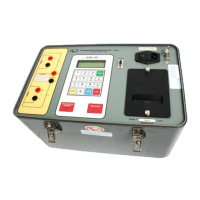
a. Description: The ATRT-03/03A/03B has a real time clock powered with a back-up battery. The
ATRT-03/03A/03B displays the current time and date in the upper right of the “Start-Up” menu
screen (see Figure 14-1).
b. Origin: From the “Start Up” menu (fig. 14-1), press key 2 (SET UP). Press key 4 (NEXT
PAGE). Press key 2 (SET TIME).
c. Action Option: Enter month, day, year, hour, minute and second using keys 0-9.



 To Next Page