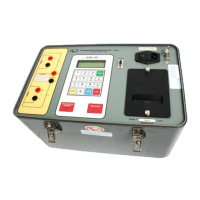
Model ATRT-03 (v) Operating Instruction
76
23.0 Change ATRT-03/03A/03B Real Time Clock
The following steps show how to change the ATRT-03/03A/03B real time clock.
Table 23-1. Change ATRT-03/03A/03B Real Time Clock
STEP DESCRIPTION DISPLAY ACTION
1 Select “Set Up” menu
1.TEST XFMR 04/12/00
2.SETUP 13:06:00
3.CALCULATOR
4.DIAGNOSTIC
Press key 2
2 Select “Next Page” menu
1.ENTER XFMR ID
2.REVIEW RECORD
3.SAV/RES RECORD
4.NEXT PAGE
Press key 4
3 Select “Set Time” menu
1.COMPUTER CONTROL
2.SET TIME
3.SET TEST VOLTAGE
Press key 2
4 Enter Time and Date
ENTER
MM-DD-YY HH:MM:SS
Use keys 0-9
23-1. Set Real Time Clock Setup Menu
1.COMPUTER CONTROL
2.SET TIME
3.SET TEST VOLTAGE
Figure 23-1. ATRT-03/03A/03B Setup Menu
a. Description: “Set Up” menu allows the user to:
1. Set ATRT-03/03A/03B under computer control.
2. Set Real Time Clock.
3. Set ATRT-03/03B test voltage.
b. Origin: Select key 2 from main menu, then on next display press key 4.
c. Action Option: Select one of the above.



 To Next Page