2920 Float & Tape Transmitter 5 Display and Configuration Interface
68 Installation and Operations Manual
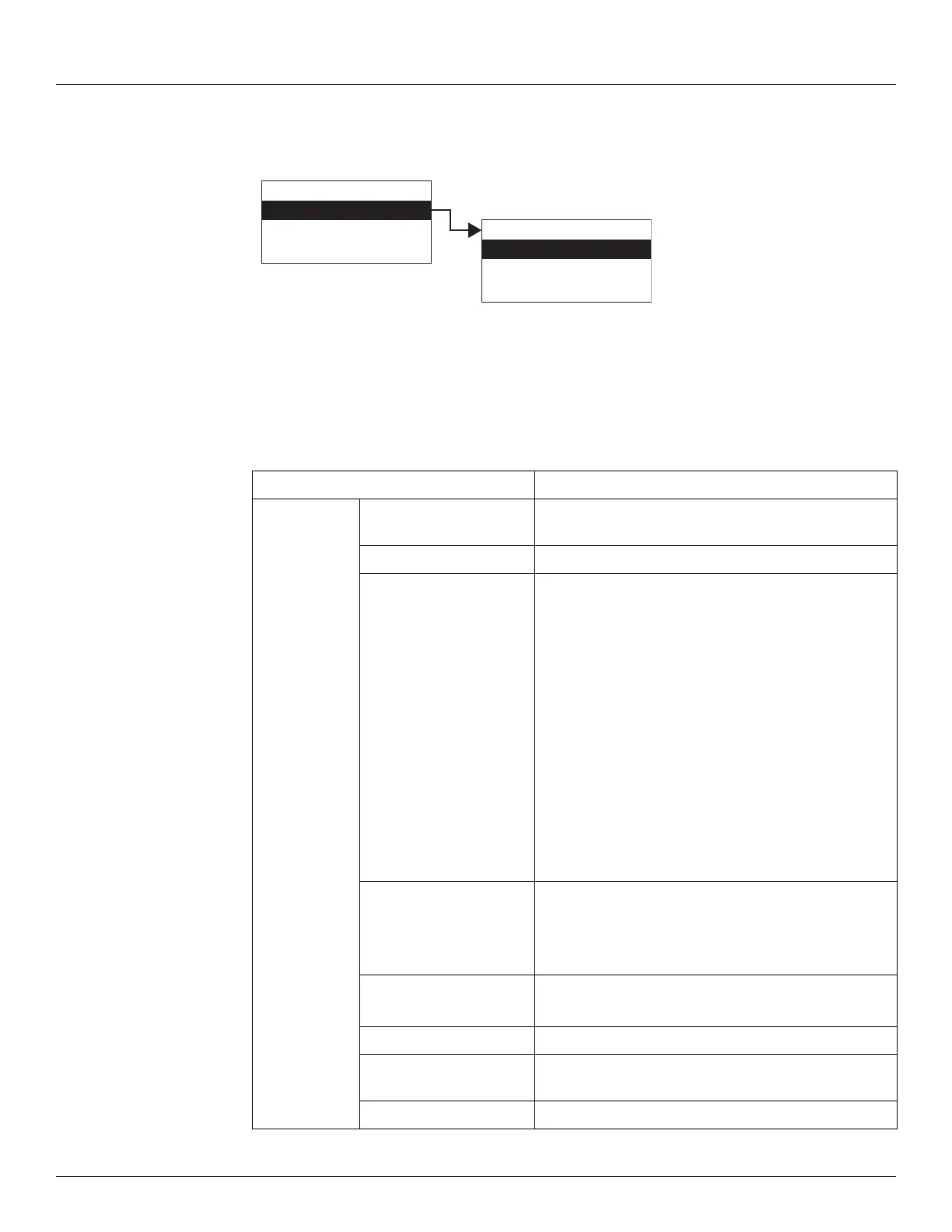
To Access Tank Data:
1. Press Enter to access the Main Menu. The System Menu point is automatically highlighted.
2. Press Minus six times to move the highlight to Tank Data.
3. Press Enter and the Tank Data menu opens.
4. To select one of the options, press Minus to move the highlight to the option you want and
then press Enter.
Refer to the table below for more information on each Tank Data option.
Display Only Description
Level Indicates the current measured or calculated level after
corrections are applied.
Temp Indicates the current product temperature.
AlmStat Integer value indicating any alarm conditions, as follows:
0x0001: Critical Low Level
0x0002: Advisory Low Level
0x0004: Advisory High Level
0x0008: Critical High Level
0x0010: Critical Low Temperature
0x0020: Advisory Low Temperature
0x0040: Advisory High Temperature
0x0080: Critical High Temperature
0x0100: Digital Input 1
0x0200: Digital Input 2
0x0400: Digital Input 3
0x0800: Digital Input 4
DiagStat Integer Value indicating any diagnostic alarm conditions,
as follows:
0x0001: Invalid Level
0x0002: Invalid Temperature
PntStat Integer value indicating status of point, as follows:
0: No Errors
Lev Disp Units Indicates which units will be used for level values
Temp Disp Units Indicates which units will be used for temperature
values
Elapse Time of last update.
Display Only
Config Params
All Params
Main Menu
Tank Data
Digital Outputs
Analog Inputs
06



 To Next Page