CTC II Checksum/ Test
Operating Instructions Saving TCO data
74 © Continental Trading GmbH A2C59512809
11 Checksum/ Test
In addition to displaying the software version, the Checksum/
Test function also enables you to check the software and the
display of the CTC II.
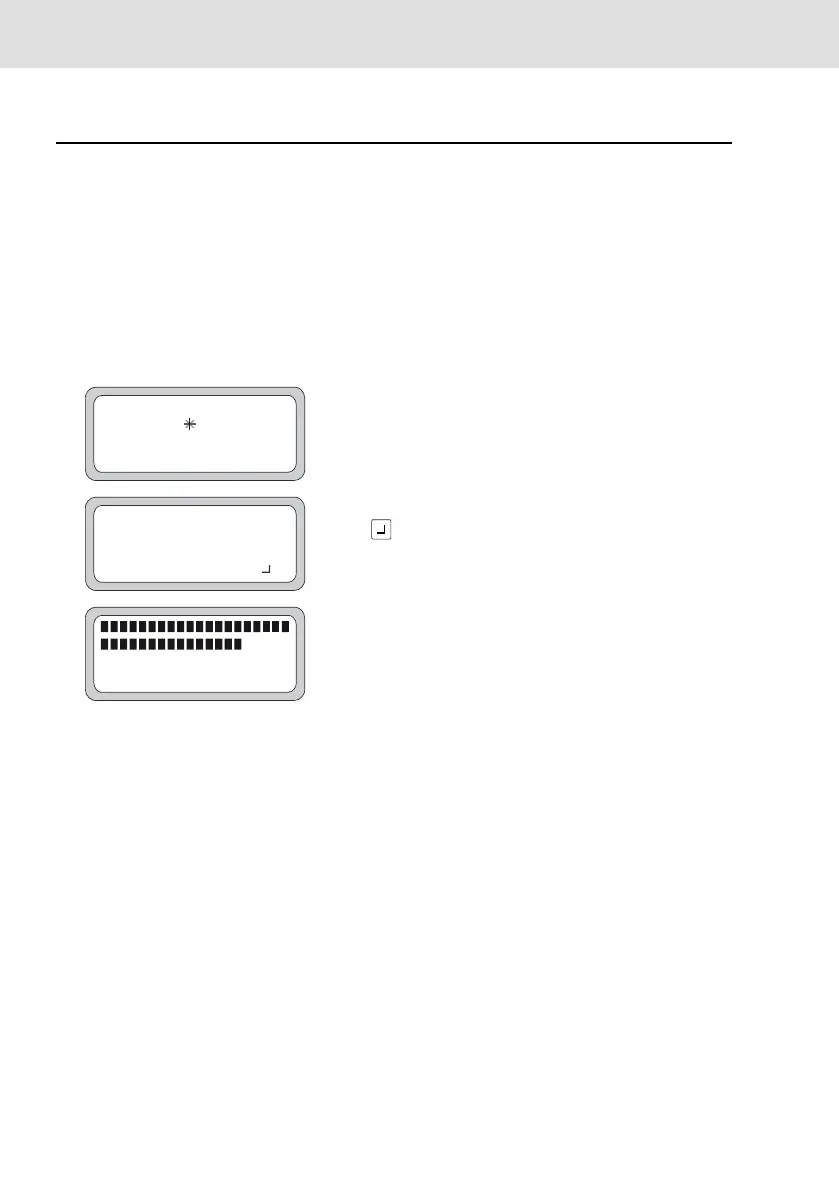
Step/ Display The program steps
1 Select the "Checksum/ Test" menu.
2 Checksum
The CTC II determines the checksum.
3
The determined checksum is displayed.
Press to go to the display test.
4 Display test
The CTC II shows all individual display segments in
succession.
End the program.
# CHECKSUM/TEST #
PLEASE WAIT
# CHECKSUM/TEST #
60314
CONTINUE WITH KEY



 To Next Page