CTC II • Edition 01/2009
A2C59512809 © Continental Trading GmbH 75
Error messages
12 Error messages
In this Chapter, you'll find all the error messages that can be
displayed while checks, measurements and programming are
being performed with the CTC II.
12.1 Invalid user input
If you cannot correct an error with the documented measures,
please contact your VDO service partner.◄
Important
Error message Cause/ Measure to correct error
1
Values outwith the value range.
Measures:
– Enter valid values in the <Min> - <Max> boxes.
2
The date was not entered correctly.
Measures:
– Enter the date in dd.mm.yy format.
3
The time was not entered correctly.
Measures:
– Enter the time in hh:mm format.
4
A change-over time was not entered correctly.
5
Parameter programming is not supported by the
connected tachograph.
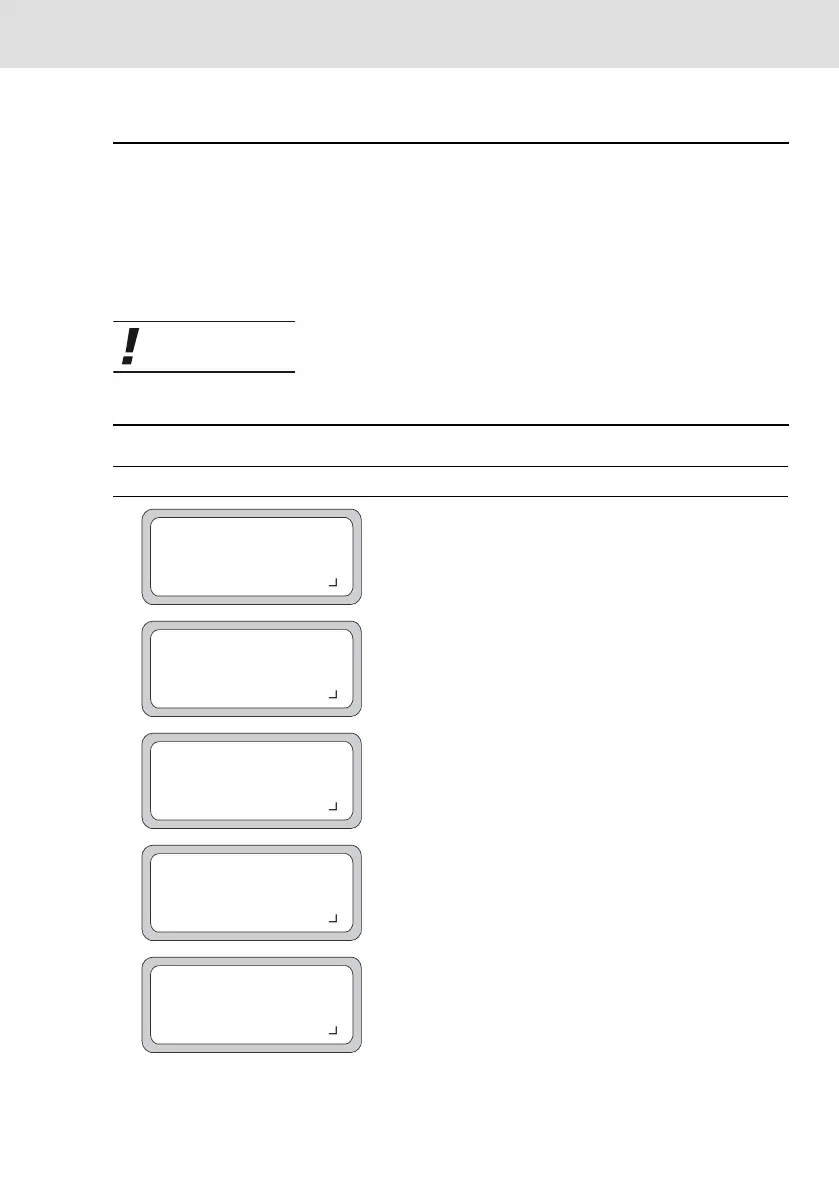
! INVALID ENTRY !
VALID VALUES
<Min> - <Max> <Unit>
CONTINUE WITH KEY
! INVALID ENTRY !
WRONG DATE!
CONTINUE WITH KEY
! INVALID ENTRY !
WRONG TIME!
CONTINUE WITH KEY
! INVALID ENTRY !
WRONG DATA!
CONTINUE WITH KEY
! INVALID ENTRY !
<program>
NOT AVAILABLE!
CONTINUE WITH KEY



 To Next Page