103 © VeEX Inc. All Rights Reserved. Platform Functions
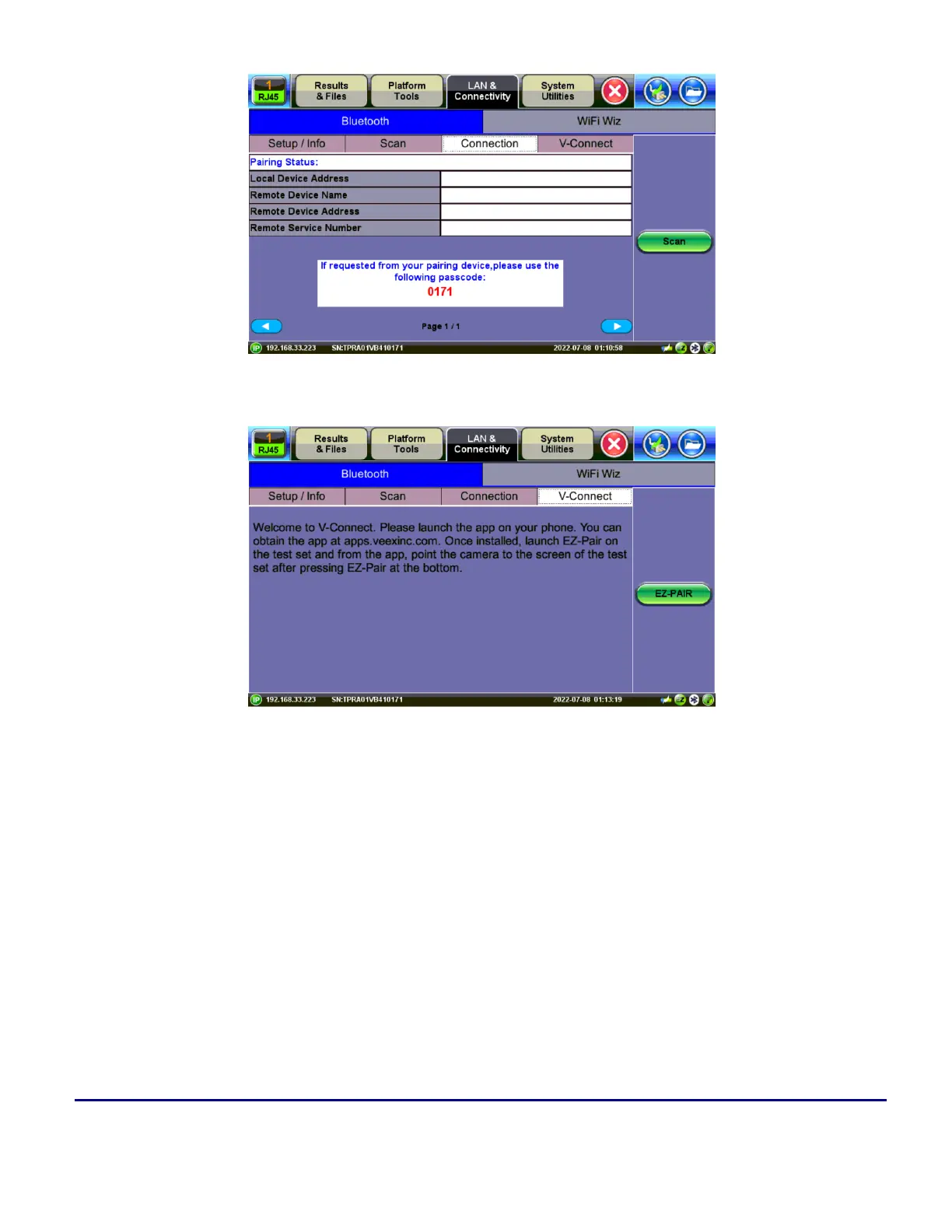
Bluetooth - Connection - Passcode
V-Connect/VxConnect
Bluetooth Setup
1. Press Scan to check for available Bluetooth devices. Once scanning is complete, a list of discovered
Bluetooth devices will be listed. Please ensure the peripheral device is set to Discoverable during
Scanning and Pairing operation.
2. Press Pair BT to begin the pairing process. During the pairing operation, you will be prompted to
enter a code on the peripheral device (PC or Mobile Phone) in order to pair successfully. Enter the
last 4 digits of the test set's serial number as shown in the Connection tab.



 To Next Page