Ethernet © VeEX Inc. All Rights Reserved. 46
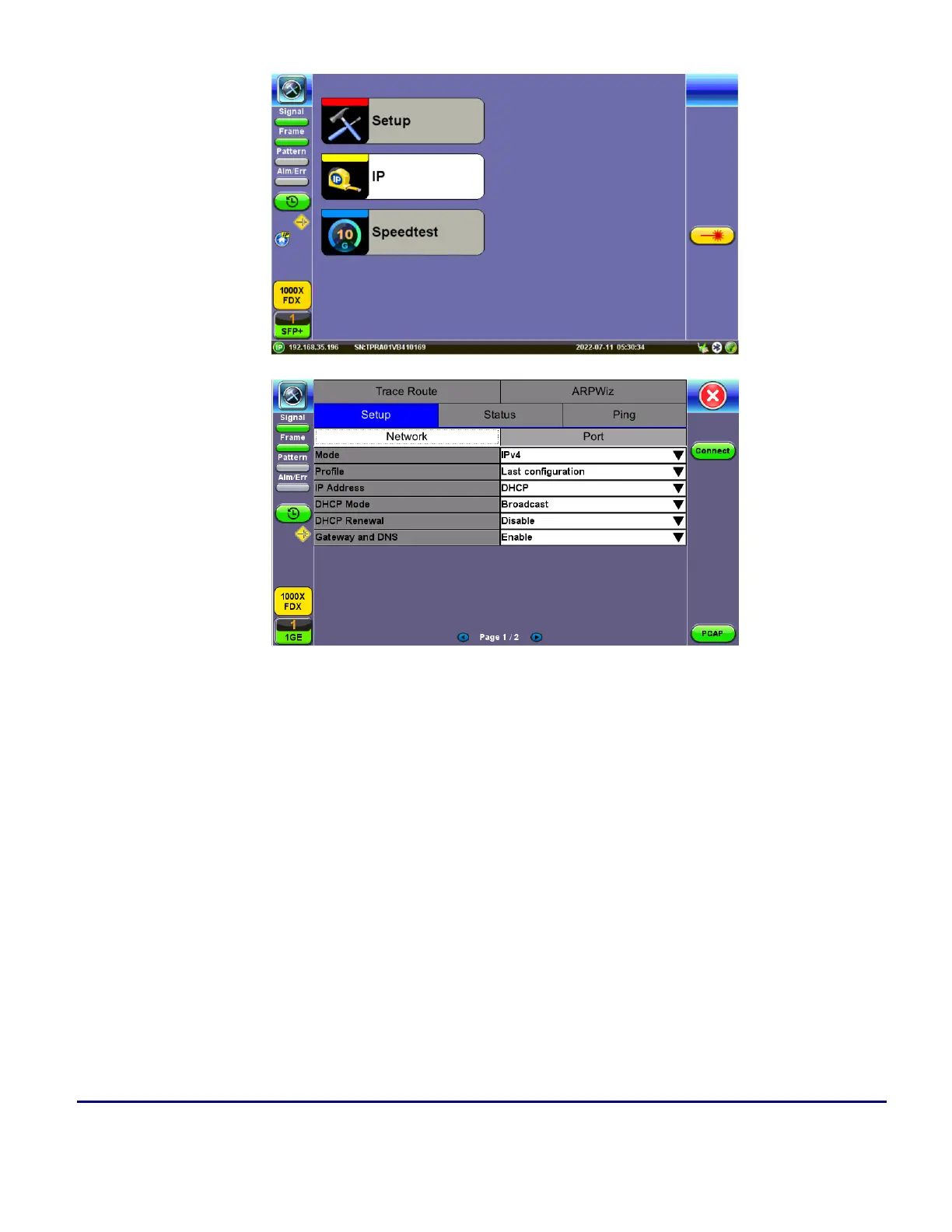
4. Once the proper IP information is entered, press Connect. An IP: PASS status indicates proper con-
nection.
5. Go to Layer 4+ Applications. The test application will load.
Saving Test Results
Test results can be saved to the File Server using the Save hard key. Results can be retrieved via USB drive or
remotely using the Web UI. Refer to "File Manager" on page64
V-Perf
TCP/UDP-based business Internet speed performance test based on RFC6349 and compatible with RTU-300
hardware-based centralized test heads as well as iPerf and iPerf3 servers.



 To Next Page