17 © VeEX Inc. All Rights Reserved. Basic Operation
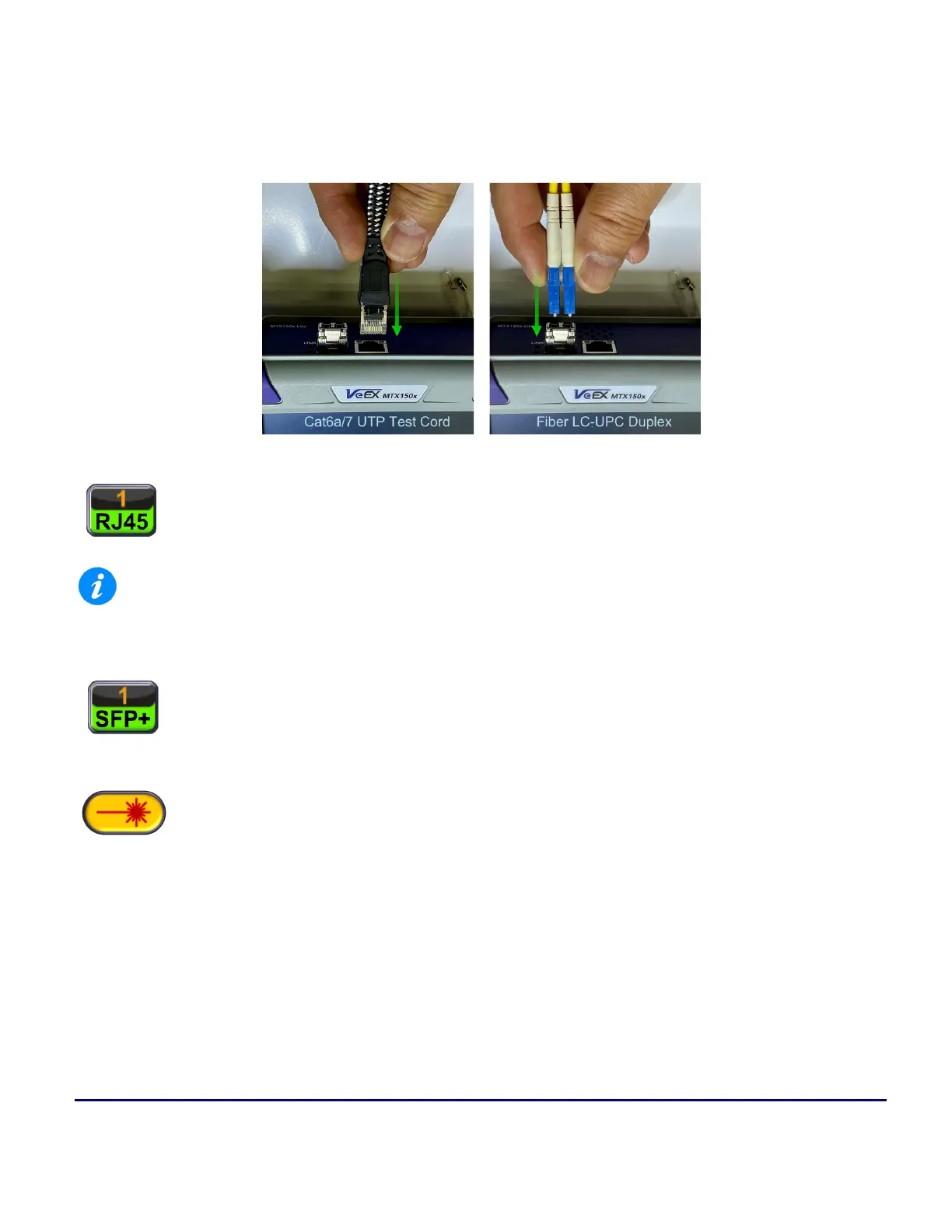
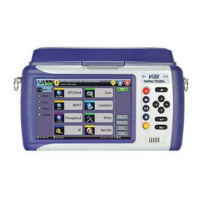
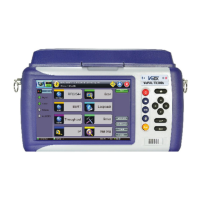
MTX150X Light Connector Panel's Test Ports (top view)
Use the appropriate copper (UTP) or duplex-LC fiber test cord to connect the port or device under test (DUT) to
the MTX150x test port.
Copper UTP: Use patch cords that are rated to support the port's maximum Ethernet
speeds. Good quality Cat6a and Cat7 patch-cord cables are required for devices
supporting 2.5GE (2.5GBASE-T), 5GE (5GBASE-T) and/or 10GE (10GBASE-T).
Using lower quality or non-certified for Cat6a or Cat7 cables will produce lower results and limit max-
imum data rate.
Fiber Optics: Make sure to clean all male and female connectors. Verify them using
a digital Fiber Scope. (Cross-contamination build-up can degrade the test set's per-
formance.) Insert the appropriate SFP+ transceiver into the test set's slot and make
the connections.
The optical transceiver's laser will automatically turn on, so it is ready to activate the
link and run the tests. Although most common optical transceivers are considered
safe, please follow standard eye safety procedures and common sense (e.g., avoid
using optical scopes or looking directly at active connectors).
Hard Buttons and Interfaces


 To Next Page