Platform Functions © VeEX Inc. All Rights Reserved. 68
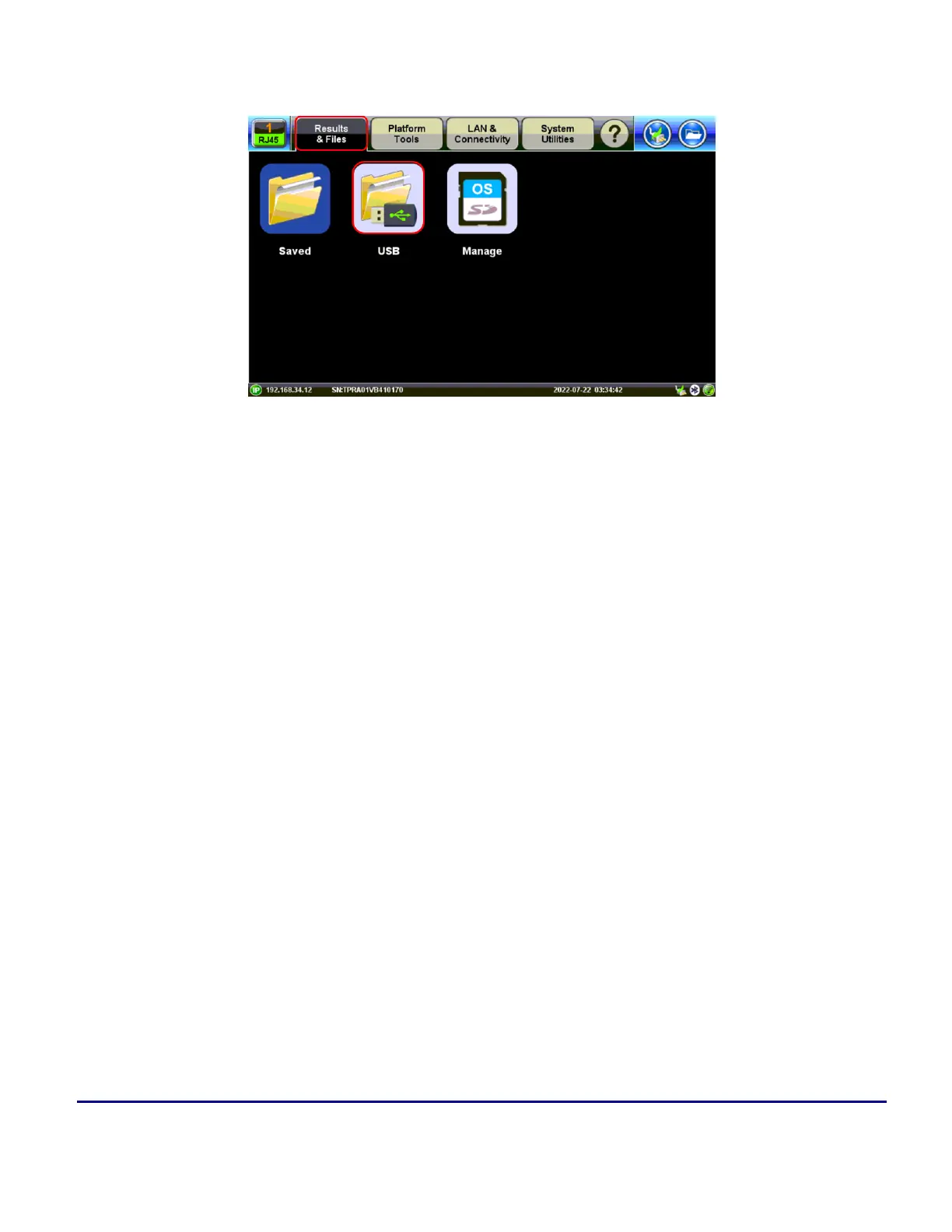
USB Memory Browser
The USB tool (Utilities > USB) provides basic USB memory stick management tools to browse and manage
files without the need of a PC.
l
Reload: Refreshes the USB stick info.
l
Delete: Erases the selected files or folders.
l
Up: Exits the current folder and moves up to a higher folder in the file tree hierarchy. The current
folder structure is shown in the top bar.
l
Open: Opens certain file types.
Use the USG cable Micro USB adapter to connect to the USB memory stick.
The following file types are supported:
l
HTML: Launches the browser to display its content
l
TXT: Launches a basic text viewer to display its content
l
PCAP: Launches the built-in Wireshark® protocol analyzer
l
MTIE: Launches the optional built-in Wander Analysis tool



 To Next Page