Ethernet © VeEX Inc. All Rights Reserved. 34
l
DNS: Selecting Manual DNS opens another menu. Select from Off, Primary, or Primary & Sec-
ondary. Enter the Primary and/or Secondary DNS if required.
IP Setup - IPv4
IPv4 or IPV6
l
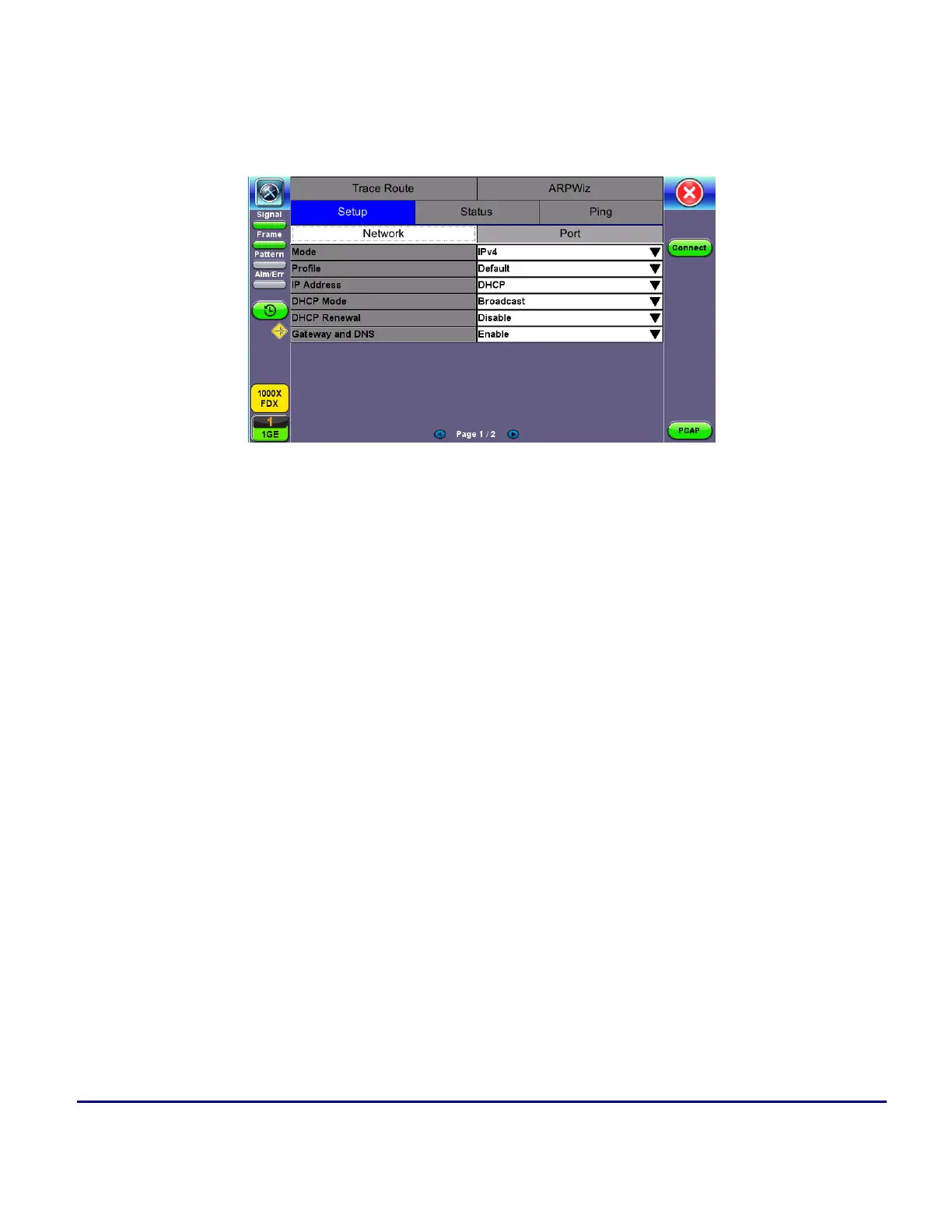
IP Type: IPv4 or IPv6
l
IP Address: Static, DHCP (IPv4 only) or AUTO (IPv6 only)
l
Static: The user is required to enter a Local IP, Gateway address, and Subnet. All Static fields can
be filled by tapping on the section to access an alphanumeric keyboard
l
Local IP: IPv4/IPv6 address of the test set
l
Gateway: IPv4/IPv6 address of the network gateway
l
DNS: Input a primary and secondary DNS
l
CIDR (IPv6 only): The user can enter a Classless Inter -domain Routing Network
l
Subnet (IPv4 only): The user can enter a subnet mask
l
Gateway and DNS: Enable/Disable. Enables entering the Gateway and DNS.



 To Next Page