25 © VeEX Inc. All Rights Reserved. Basic Operation
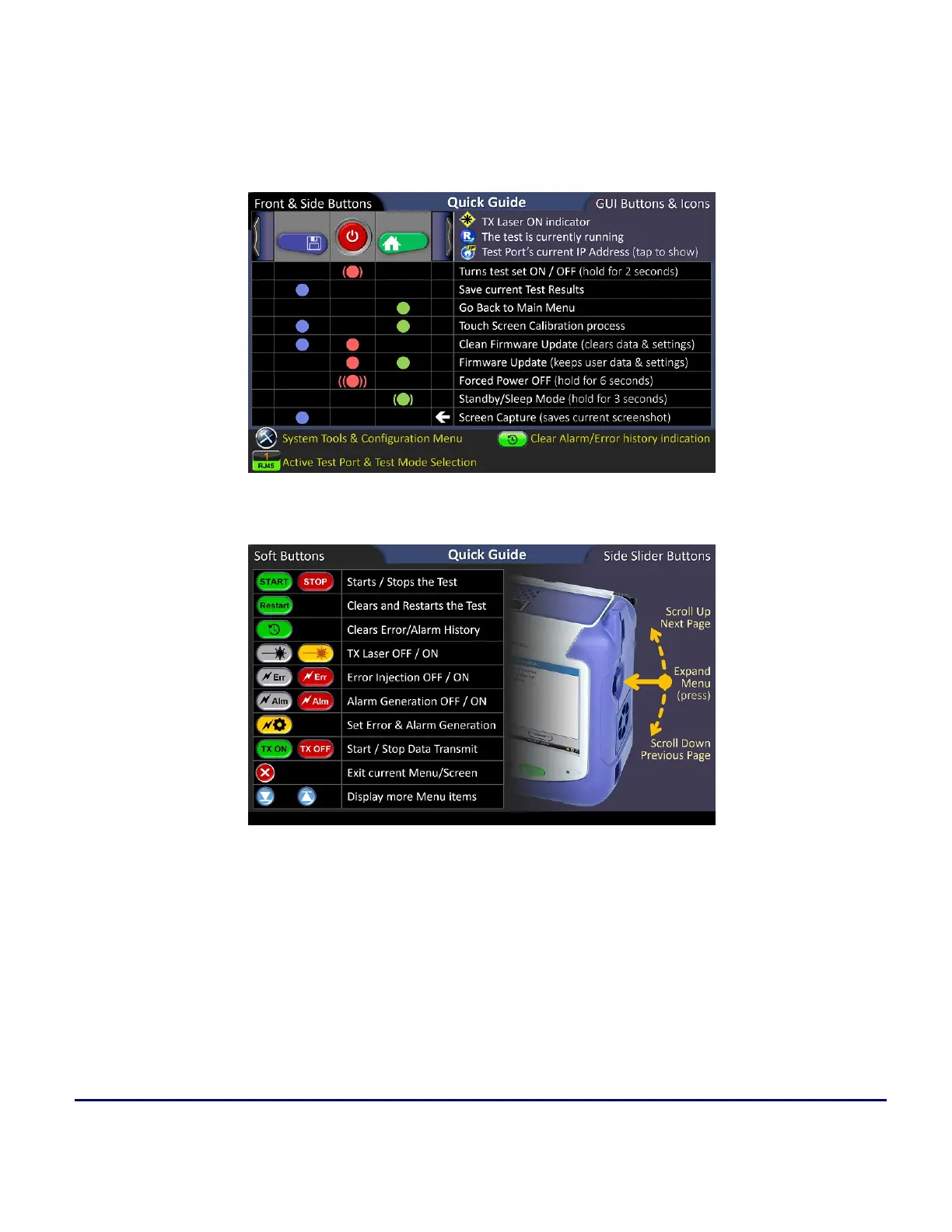
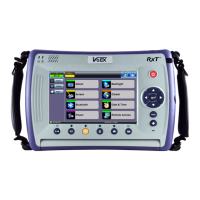
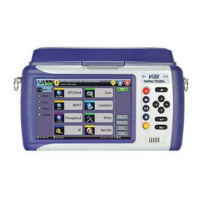
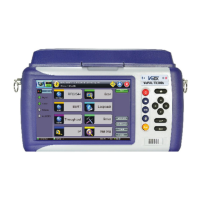
Home Menu and Screen Icons
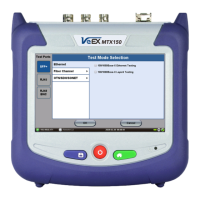
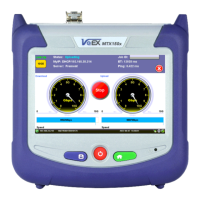
On screen soft buttons are used to control tests, alarms and error settings. Refer to the chart below for a
description of each soft button.
Testing, Alarm and Error Soft Buttons
Mode/Port Selection


 To Next Page