Platform Functions © VeEX Inc. All Rights Reserved. 80
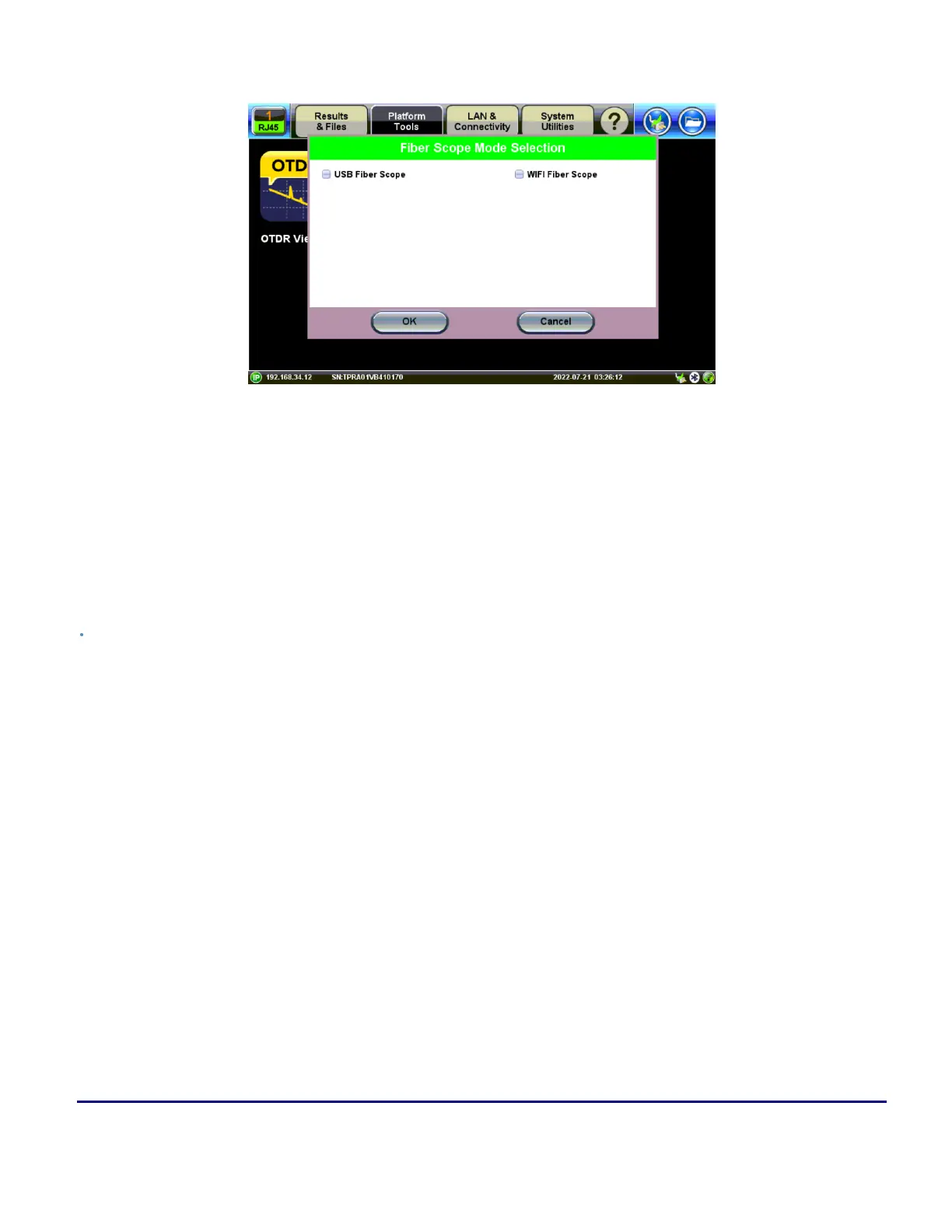
Fiber Scope Connection Mode Selection
Select the USB Fiber Scope checkbox for wired fiberscopes, such as the DI-1000, DI-1000MPO, VS500 (dis-
continued), or DI-3000 via USB.
Select WiFi Fiber Scope to initiate a scan for an available DI-3000.
l
See the WiFi Wiz section for more information on setting up a WiFi Access Point if automatic scan-
ning fails.
l
The WiFi Access Point password is: "veex" plus the last six digits of the serial number of the DI-
3000 to connect with e.g. "veexA00700", where the serial number is SN:LA-3KA00700.
Fiberscope Setup
Captured patch cord image files are saved within a folder directory. In the Setup tab, name each folder and file
in the directory and select a save increment.



 To Next Page