Ethernet © VeEX Inc. All Rights Reserved. 28
Ethernet
Setup
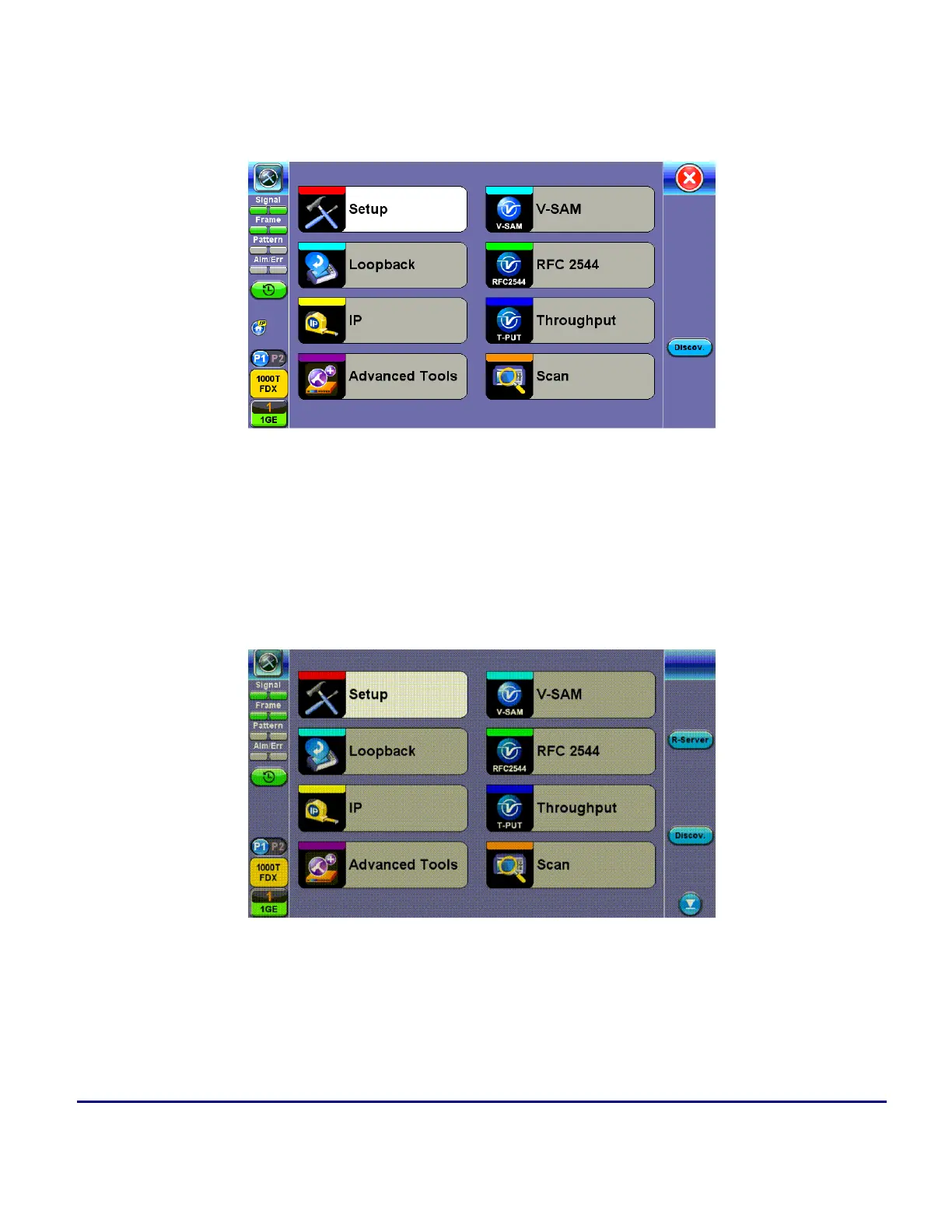
Ethernet Home Menu
When the soft LEDs are steady green, this indicates that the module is ready to perform different tests. This
may require turning the LASER On button for optical interfaces or tapping the History tab to clear blinking LED
reminders of past Errors and Alarms (test results are not affected).
Port Setup
Port setup or test interface configurations are accessed via the Setup menu located on the Home page. The
available configuration settings depend on the interface selected in the Test Mode selection.



 To Next Page