53 © VeEX Inc. All Rights Reserved. Ethernet
To simplify the configuration for this example, one test set is configured as a Client and the other as a
Server. In reality however, as mentioned previously, both tests will be running simultaneously.
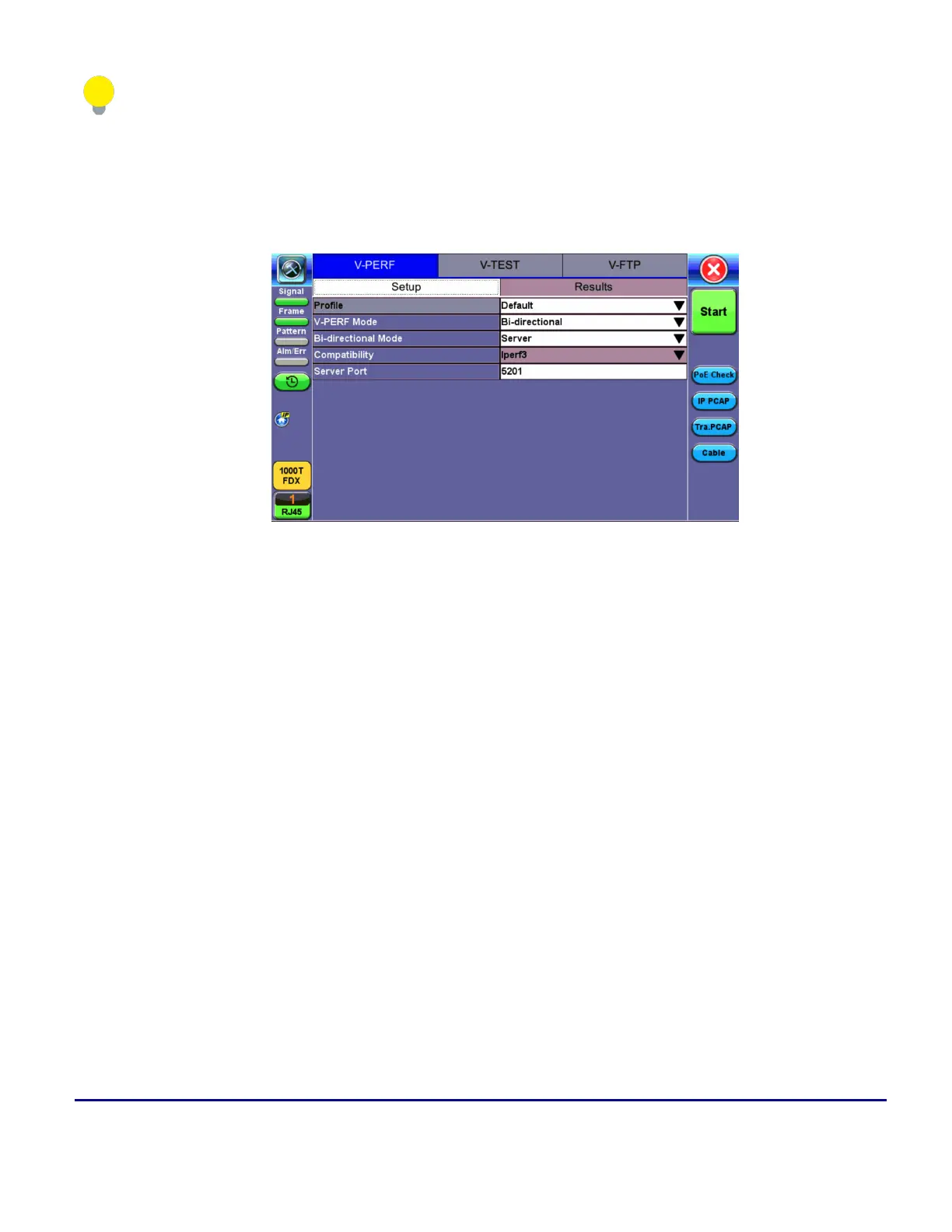
1. Select Bi-Directional from the V-Perf Mode drop-down menu on both test sets.Select the Bi-Dir-
ectional Mode as Client on the Local End and Server on the Remote end.
Local End Tester - Bi-Directional Server Setup
2. Press Start test at the Near End. The entire test flow is automated. Results will show up as the tests
run – a total of 4 sessions.
l
Current test progress is shown in Event.
l
Summary (Page 1) provides information on the current session running and the RFC-6349
key performance indicators. Tap on Client Results to verify the metrics.
l
Final results of the completed testwill show under Status.
V-TEST
The V-TEST feature qualifies network TCP/HTTP protocol performance by testing Internet speeds up to a full
line rate against a server to verify the maximum download and upload data rates attainable by subscribers'
high-speed or Gigabit Internet services.



 To Next Page