93 © VeEX Inc. All Rights Reserved. Platform Functions
l
Mode: Automatically designates the type of OPM: PM1 (-70 to +10dBm), PM2 (-50 to +25dBm), or
PM3 (-65 to +15dBm). No user selection available.
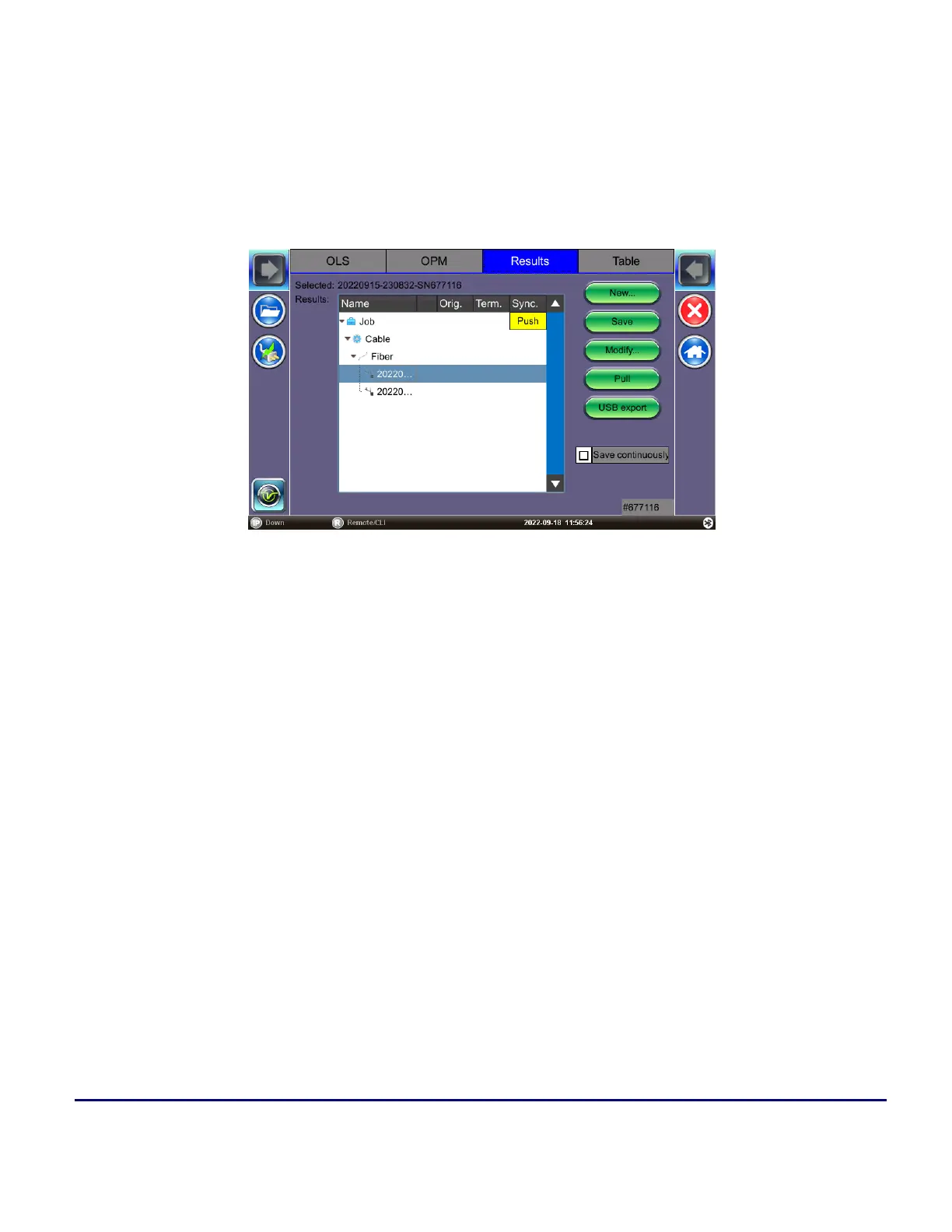
Results
Results can be saved to the test set, exported to USB, or uploaded to Fiberizer Cloud
Results Management Menu
To view and save (enter) test results into the Results table:
1. Select the OPM tab.Verify the insertion loss (IL) values are acceptable, then tap Acquire to load val-
ues into the Table tab. The Table tab title shows how many fiber records have been saved in the
format Table*-n NEW, where n is the number of new records.



 To Next Page