97 © VeEX Inc. All Rights Reserved. Platform Functions
server IP)
l
DHCP: If DHCP is selected, the unit will obtain IP address parameters from the DHCP server
l
Local IP: IP address of the test set
l
Subnet: Enter the subnet mask
l
Gateway and DNS: ON or OFF
l
ON: If ON, enter the IP address of the Gateway and DNS server in Static mode, or use the IP
address provided by the DHCP server in DHCP mode
l
OFF: If OFF, no Gateway or DNS server will be used for the tests
Enter all parameters then press Connect to start the test.
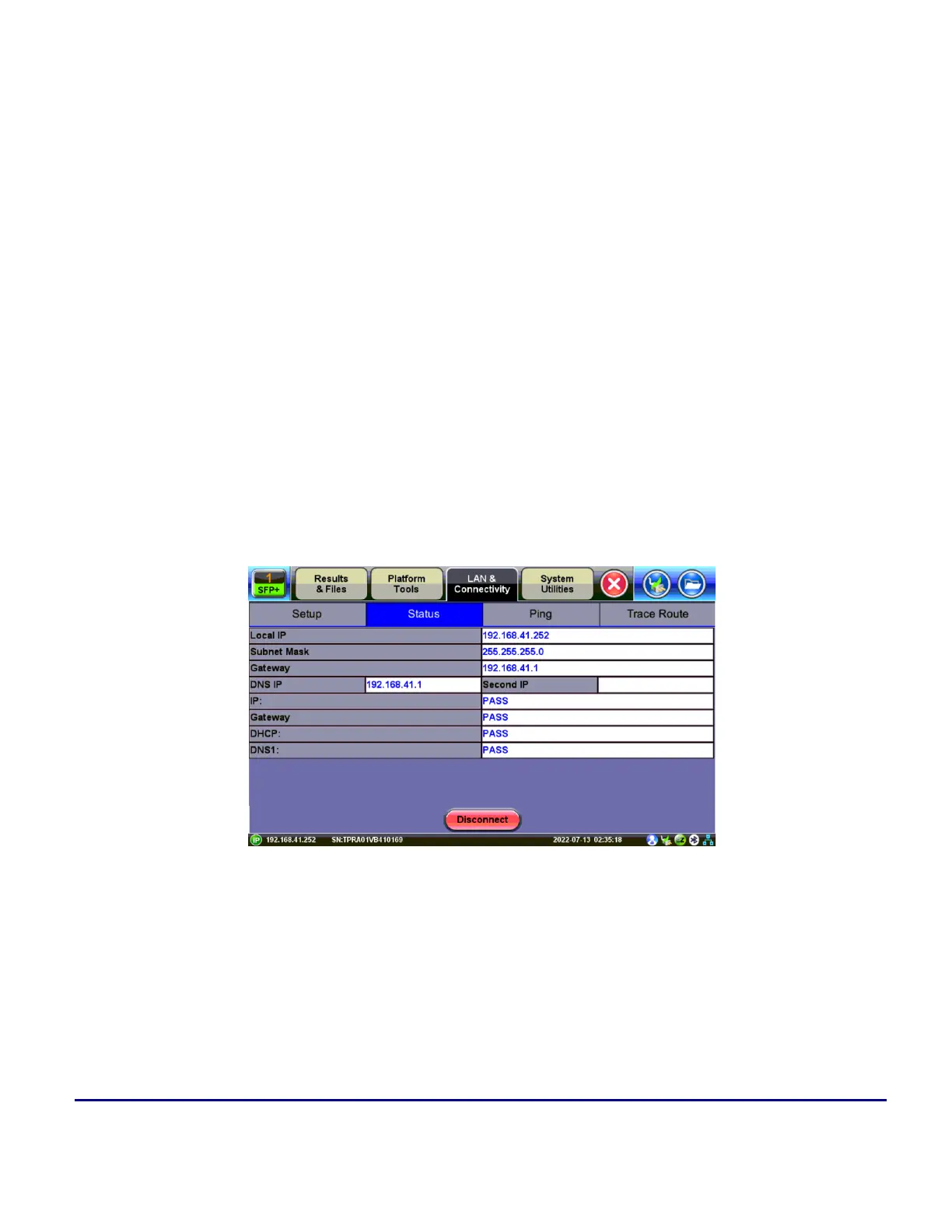
IP Connection Status
Ensure the Status is PASS before continuing with any IP tests. If the connection fails, go back to the setup
screen to verify that the parameters are entered correctly. Verify that the Ethernet cable is properly connected
on the management port on the left hand side of the unit.
Status
l
DHCP: PASS indicates that an IP address has successfully been assigned.
l
IP: PASS indicates that the IP address assigned has been verified to be unique in the network.



 To Next Page