Platform Functions © VeEX Inc. All Rights Reserved. 94
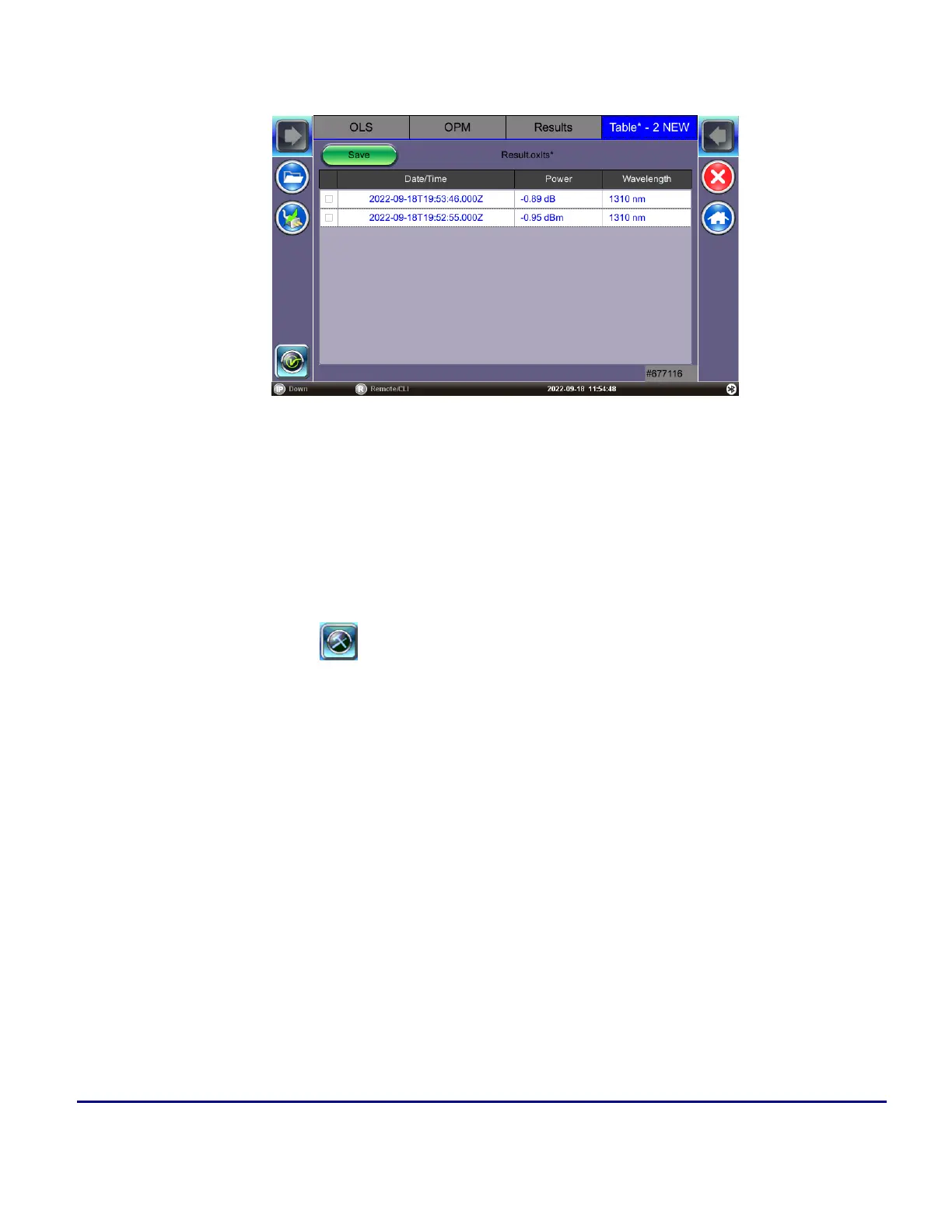
2. To view the active results table, select the Tabletab.
3. To permanently save the fiber record locally, press Save. The filename will default to date/time
stamp unless a specific file name is entered.
OPM results are saved, exported, and managed in the same way as results in the Fiber Scope application.
Refer to "Results/Reports" on page87 for more information.
Web Browser
A web browser is available in the > Platform Tools > Browser menu and can be used as a convenience
(browse the web) or to quickly verify Internet connectivity.
The built-in web browser uses the management port IP connection. An active IP connection can be established
either through Ethernet or Wifi.
The web browser defaults to VeEX's test website. Use the Web browser's navigation bar to enter the name of
the website you wish to reach. Navigation capabilities may be limited.


 To Next Page