45 © VeEX Inc. All Rights Reserved. Ethernet
TCP Efficiency =
Transmitted Bytes + Retransmitted Bytes/Transmitted Bytes x 100
The Buffer Delay represents the increase (or decrease) in Round Trip Time (RTT) during a TCP throughput
test compared to the baseline RTT.
A large RTT Buffer delay indicates that the network is experiencing congestion and that segments are
being delayed.
Buffer Delay =
Average RTT – Baseline RTT/Average RTT x 100
Layer 4+ Applications Configuration
Before launching V-Perf, V-Test, or V-FTP tests, it's necessary establish an IP connection. For V-Perf testing,
repeat these steps for both the far end and near end test sets.
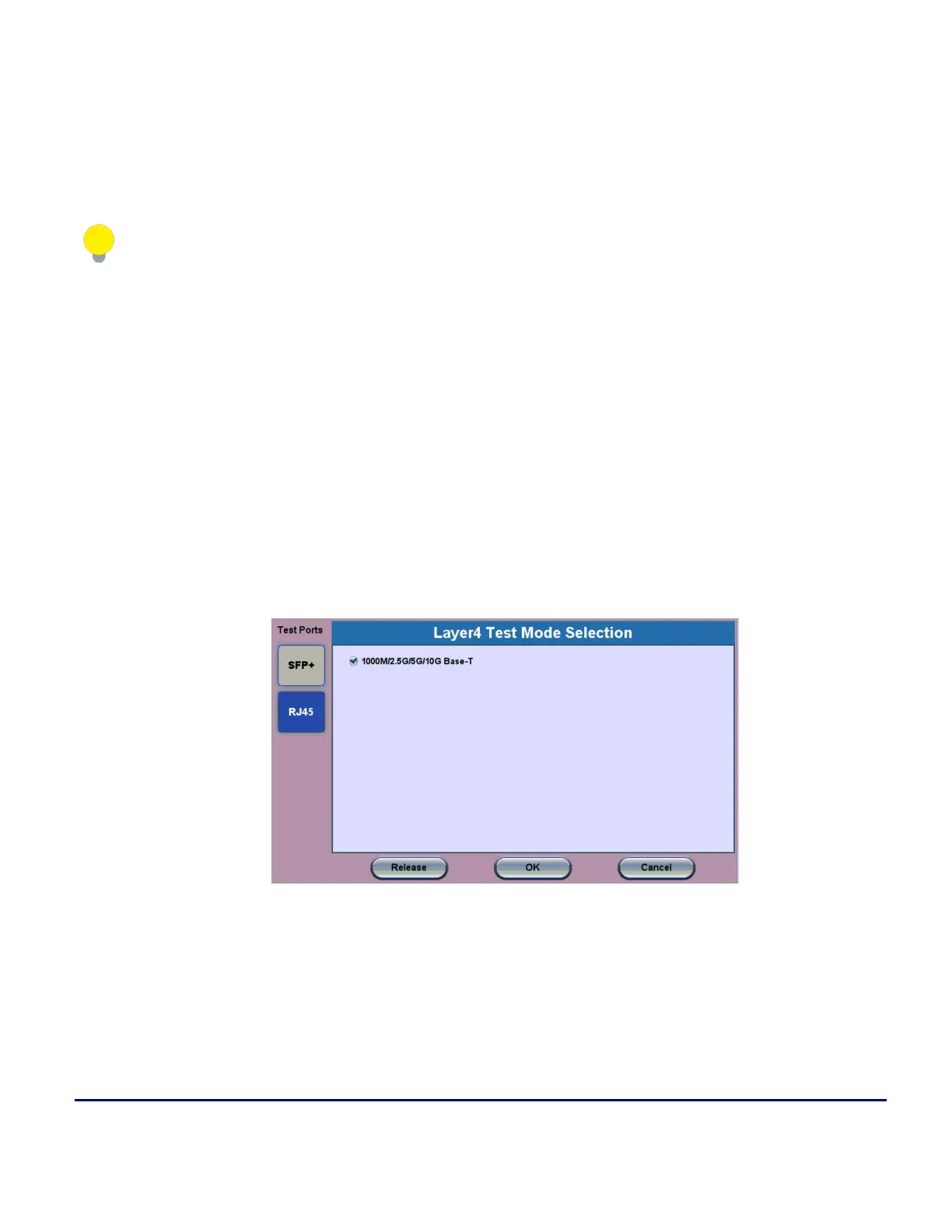
By default, the test set starts in copper (RJ45) mode and it can detect 10GBASE-T, 5GBASE-T, 2.5GBASE-T,
1000BASE-T and even legacy 10/100BASE-T automatically.
1. Select a Layer 4 test application to launch from the Test Mode menu.
2. For testing on SFP ports, turn the laser on.
3. Tap the IP icon. Configure a static IP address for testing.If you are in an environment that supports
DHCP, select DHCP from the IP Address menu, then tap Connect.



 To Next Page