33 © VeEX Inc. All Rights Reserved. Ethernet
ARP table aware of the test set's IP address. This setting is useful for long-term L3 routed testing.
l
Results Auto Save: ON or OFF. If set to ON, results will be saved automatically.
IP
IP Connection
Port setup and IP connection are required prior to performing the following Ethernet applications: Ping, Trace
Route, Web/FTP, ARP Wiz, VoIP, IPTV testing, and 1388v2 (except Layer 2).
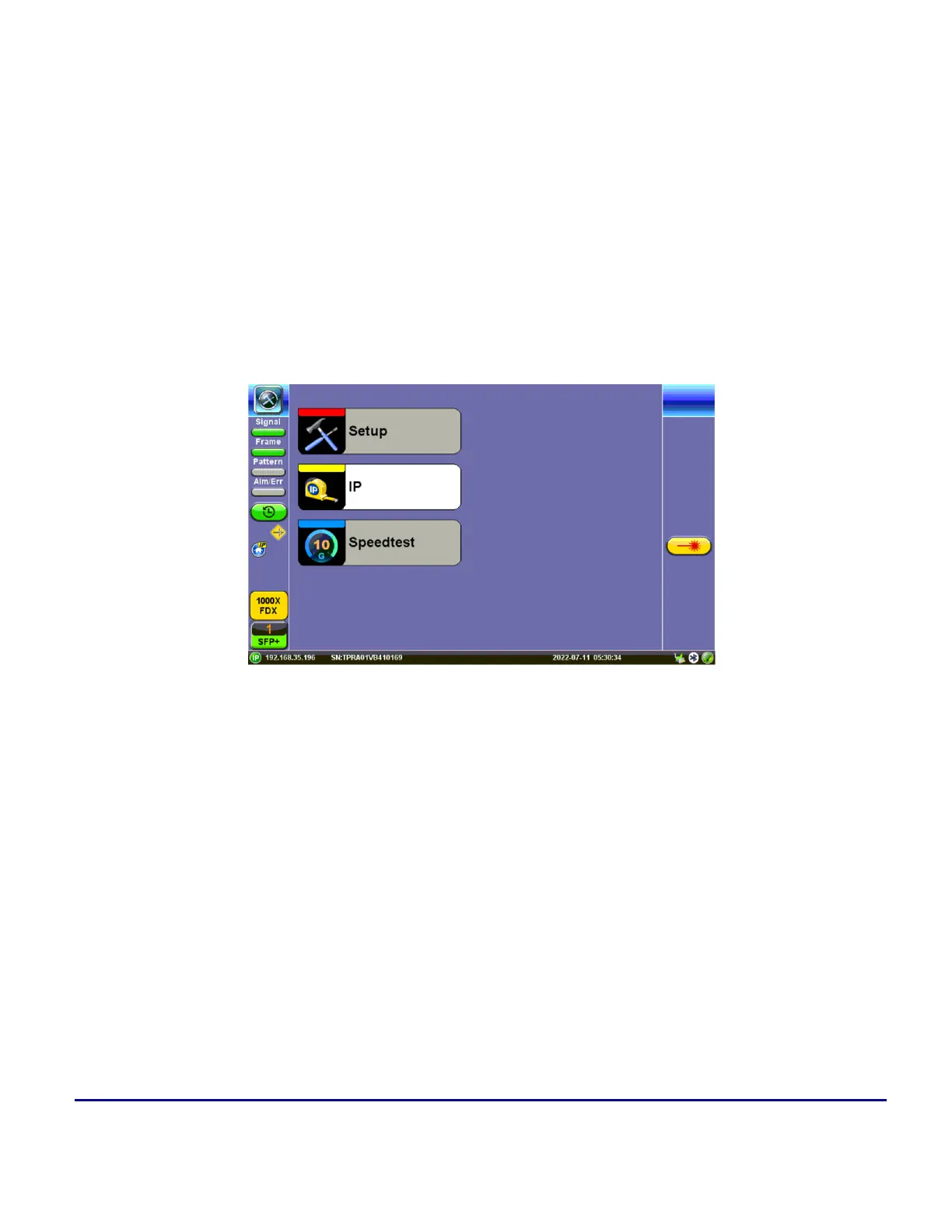
Tap IP from the Ethernet home menu to access Port and IP settings.
IP menu option
Setup
Select PPoE, IPv4, or IPv6 from the Mode menu.
Point-to-Point Protocol over Ethernet(PPoE)
l
Authentication: PAP, CHAP, or CHAP & PAP.
l
VLAN: Off or 1 Tag.
l
ID: VLAN ID. Enter value 0 to 4095.
l
Pri: VLAN priority 0 to 7.



 To Next Page