Basic Operation © VeEX Inc. All Rights Reserved. 24
l
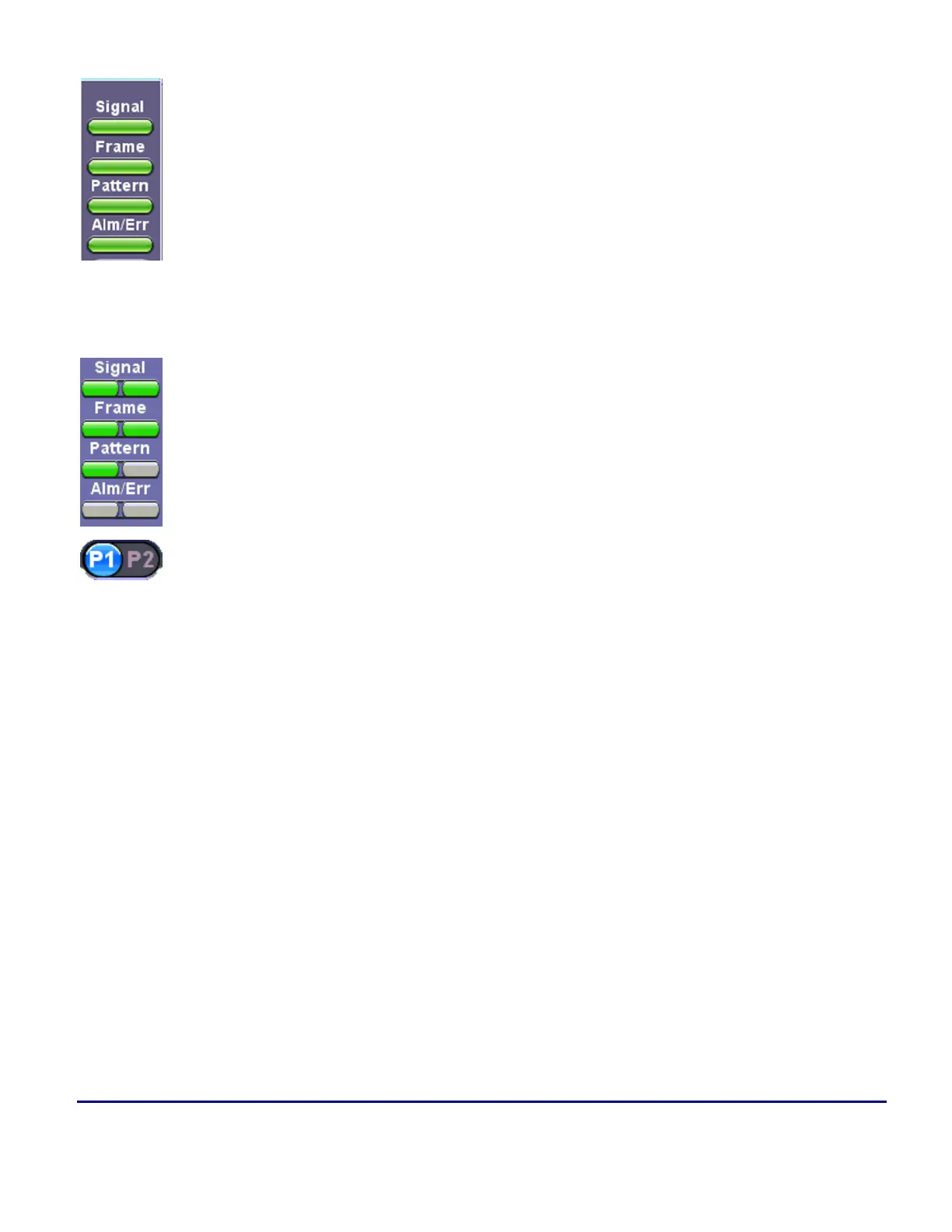
Signal: A valid input signal is detected
l
Frame: Valid framing on the input signal is detected
l
Pattern: Indicates test pattern synchronization in BERT, RFC, and Throughput
modes
l
Alarm/Error: Alarms or errors are detected
Dual Port LED Status Lights
l
Signal: A valid input signal is detected
l
Frame: Valid framing on the input signal is detected
l
Pattern: Indicates test pattern synchronization in BERT, RFC, and Throughput
modes
l
Alarm/Error: Alarms or errors are detected
l
Test Ports: P1 (port 1) and P2 (port 2) can be used to switch views in dual port
mode
The color indicates the alarm status:
l
Green: No error or alarm is present
l
Red: An error or alarm condition is currently detected
l
Red flashing: Event history reminder. Any error or alarm has occurred in the past, but no longer
present.
l
Yellow: An error or alarm was detected during the measurement interval but is no longer present or
active
l
Grey: Status not applicable or the test has not begun yet
For test modes that support dual ports, P1 and P2 indicates the port in operation.



 To Next Page