19 © VeEX Inc. All Rights Reserved. Basic Operation
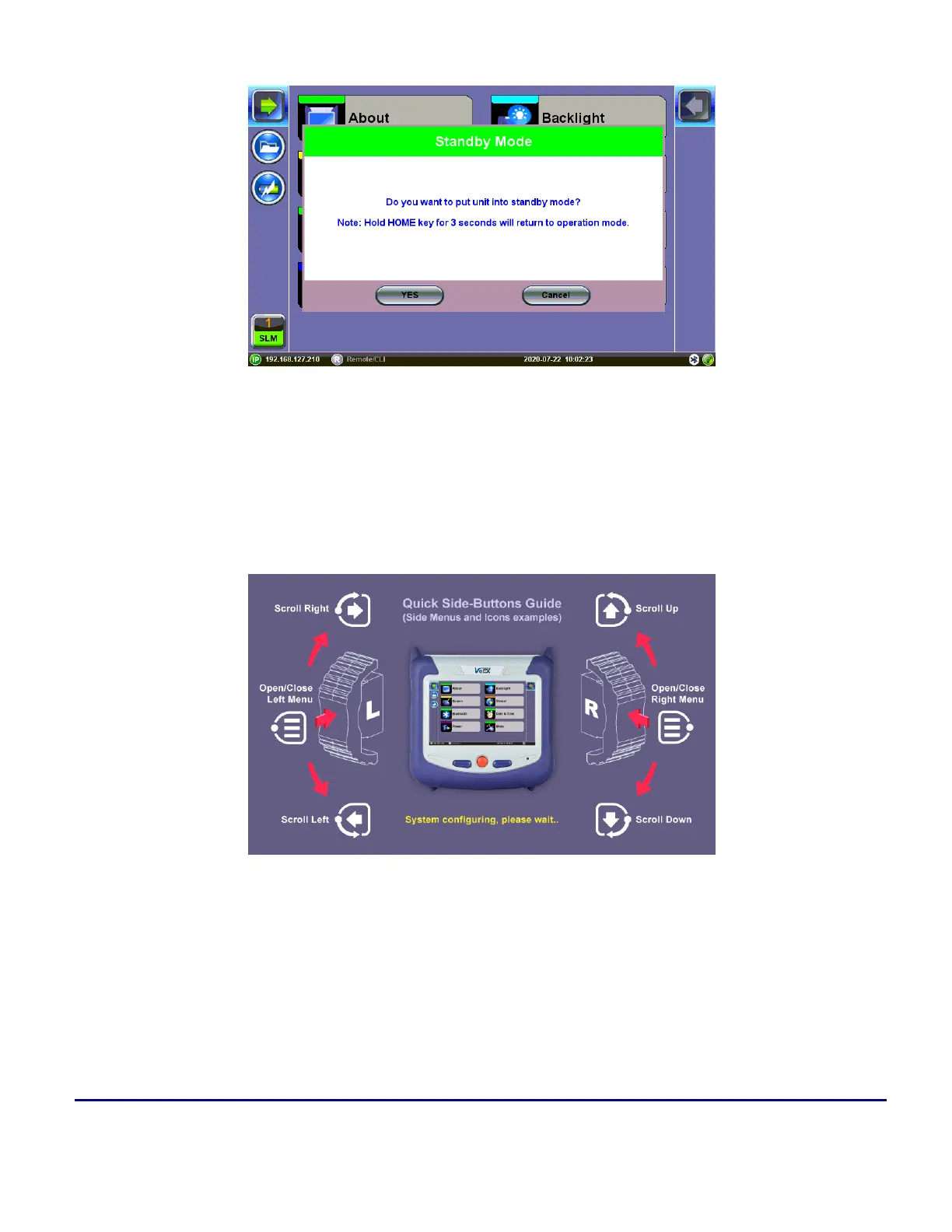
Standby/Sleep Mode
F. Side Buttons: Side buttons on the left and right side of the unit provide additional feature-specific func-
tionality such as revealing menus and scrolling through table results. Button functions vary depending on indi-
vidual applications (e.g., push to expand left or right menu bar, scroll left/right or up/down, capture
screenshots). Refer to the Quick Guide(s) displayed during boot-up for further details.
More about side buttons
Side buttons on the left and right of the unit can reveal menus or other functions depending
on the unit
D. LED: Power ON and battery charge LED indicator



 To Next Page