49 © VeEX Inc. All Rights Reserved. Ethernet
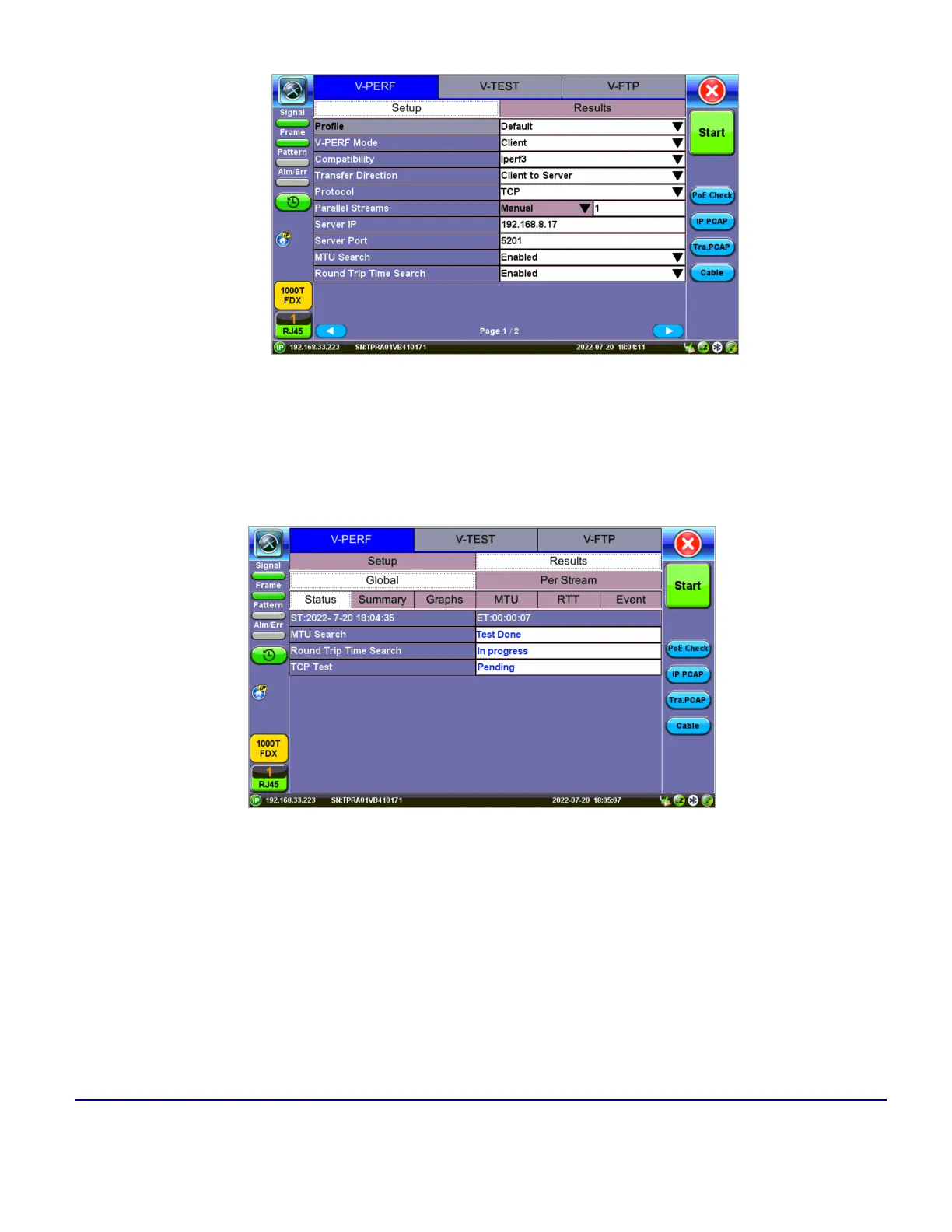
Test Set #2 - V-Perf Setup - Client
3. Connect the two test sets to the Near End (NE).Press Start on the Client unit.
Status: Global
Client - Results - Status
The Status tab displays test progress and pass/fail results for MTU Search, RTT Search, and TCP Test.



 To Next Page