Platform Functions © VeEX Inc. All Rights Reserved. 66
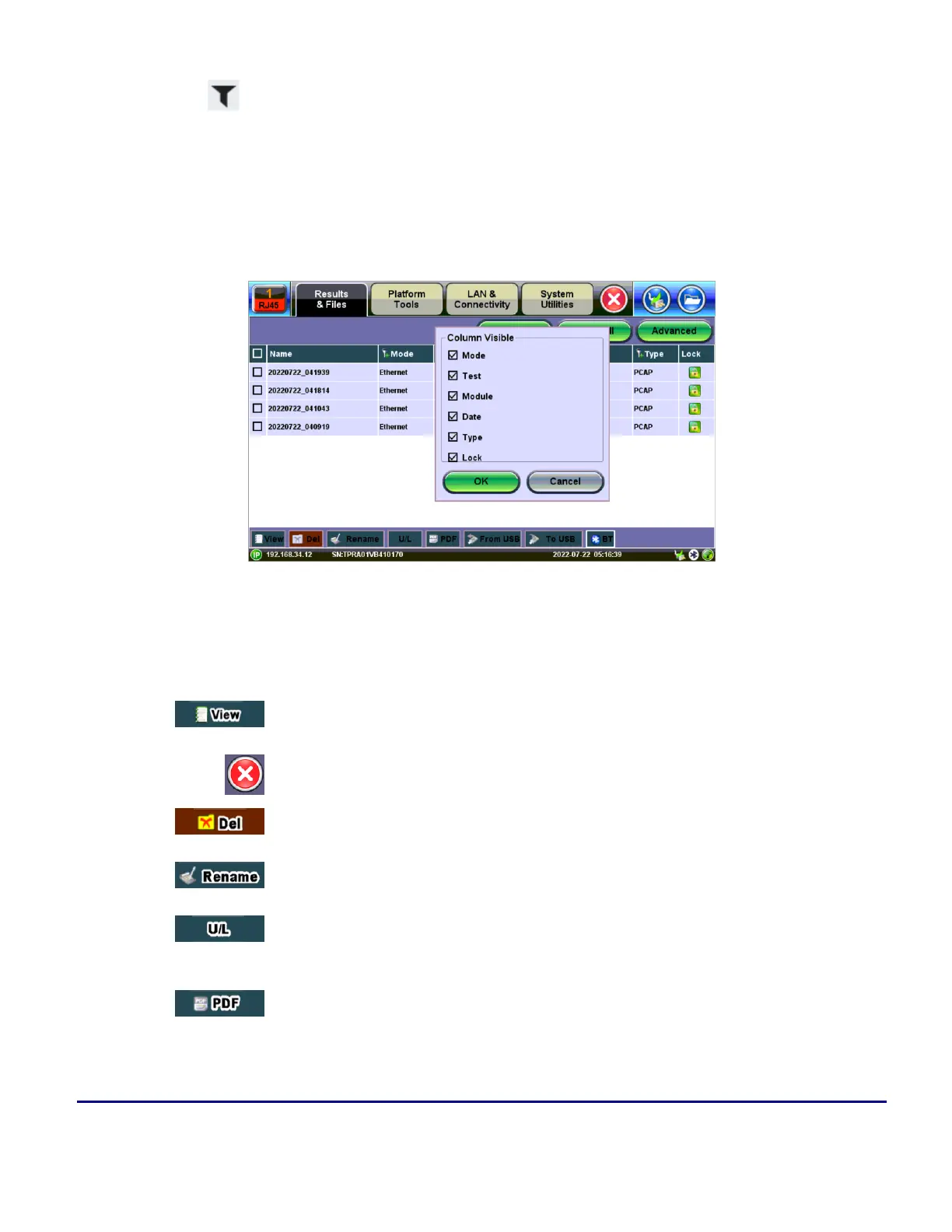
Tap the filter icon in the column header row to filter for specific test results stored on the unit.
At the top of the screen, tap the green buttons for view options.
l
Column: Hides/shows selected columns
l
Show All: Shows all columns
l
Advanced: Search for a specific file using advanced search terms
Selecting columns to make visible
Viewing and Managing Files
Use the options at the bottom of the screen to manage selected file(s).
Opens the selected test report (one).
Closes the current test report and goes back to the File Manager.
Deletes all unlocked test reports that are selected with checkmarks.
Renames the selected test report (one).
Unlocks or Locks test reports. Locked reports are identified by a red padlock icon.
Locked test reports cannot be deleted or renamed.
Generates a PDF copy of the test report and stores it in an attached USB memory
stick (required) for distribution (e.g., via email).



 To Next Page