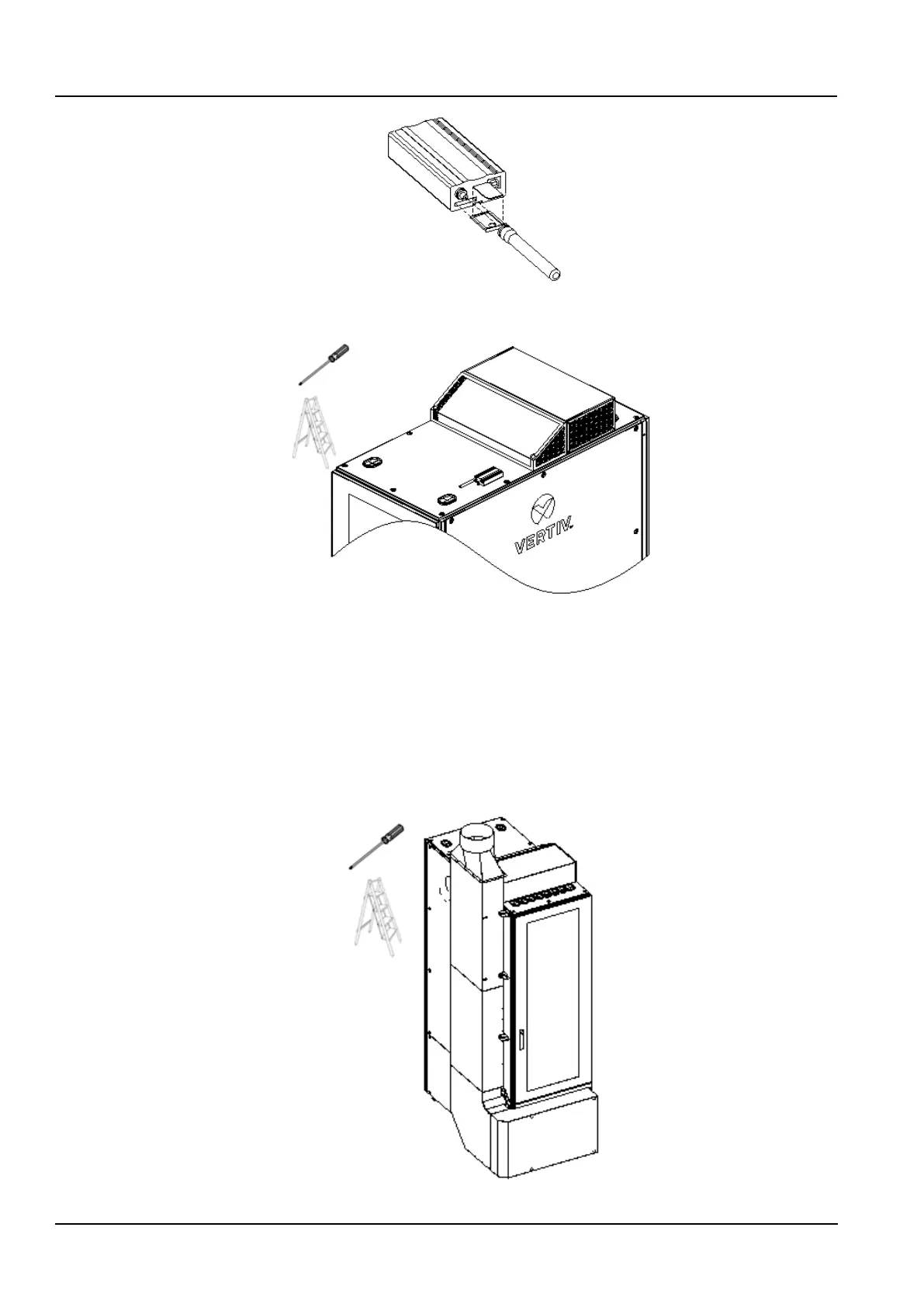
Figure 2-23 Install SIM card and Antenna
3. Install the GSM MODEM at the top of the cabinet with a built-in adapter according to figure 2-24.
Figure 2-24 Install GSM MODEM at Top of Cabinet
4. Connect the GSM MODEM cable reserved at the protective ring on the right side beside the front door at the top of
the cabinet to the GSM MODEM via the built-in cable of the GSM MODEM.
2.2.7 Install Airduct (optional)
1)The air duct is installed at the rear door. Figure 2-26 shows the left side installation of the air duct. The air duct
supports the right-side installation.
2) Use the M5×12 screws (4pcs) to install the lowermost air duct in the air outlet of the rear door of the cabinet;
3)Splicing the remaining air ducts one section at a time and fixing them to the cabinet using the side panel screws
nearby.
Figure 2-25 Install the air duct



 To Next Page