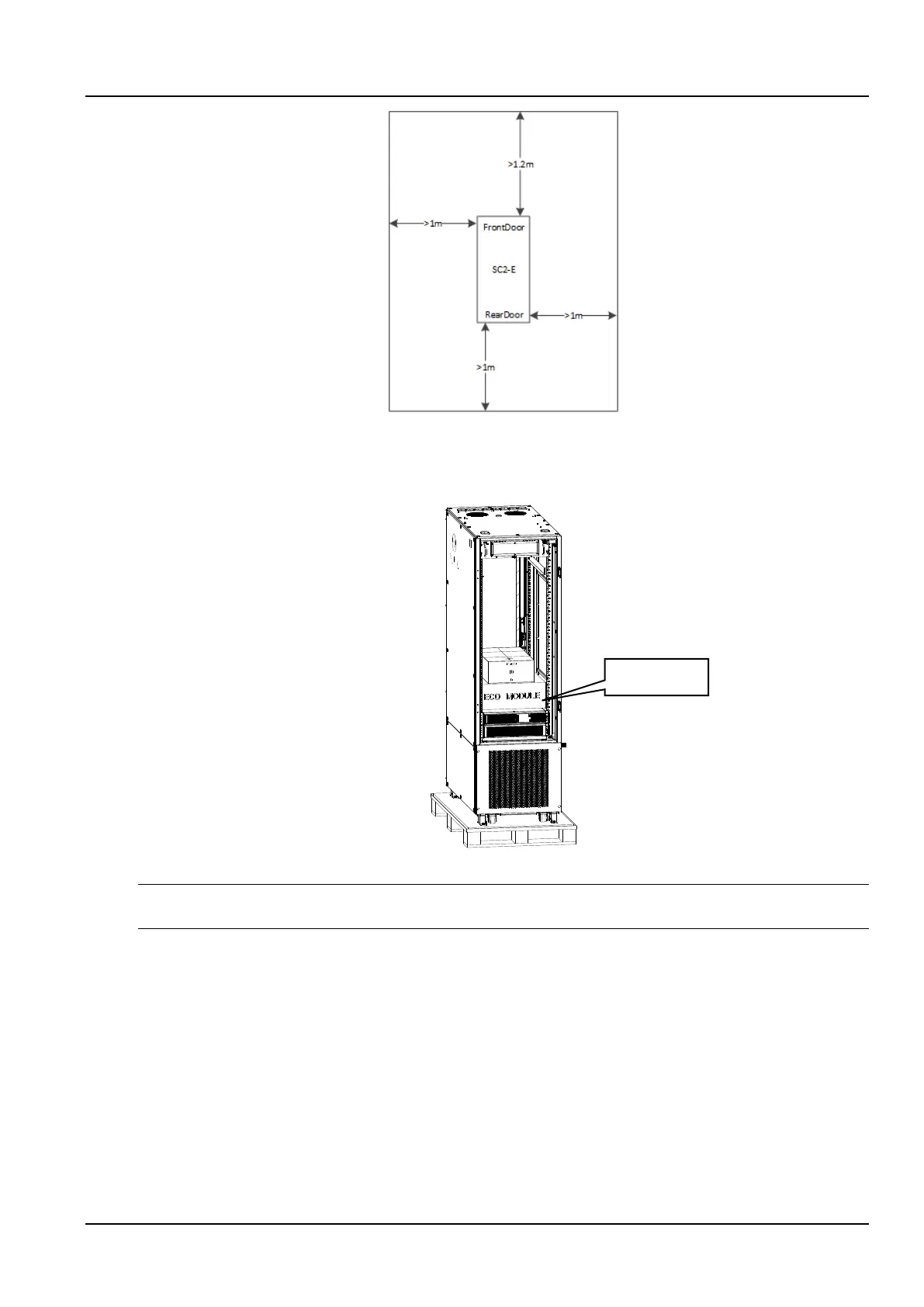
Figure 2-9 SmartCabinet2-E maintenance space
2.2.3 ECO fan module
The ECO fan is in the fan box inside the cabinet, as shown below.
Figure 2-10 ECO fan module
Remind
The L-rails for fixed accessory box are the standard components that can be used for customer equipment installation.
1) Unpack the ECO fan module, take out the ECO fan module, and place the ECO fan module on the top of the
cabinet with a step ladder. The fan cable is threaded into the cabinet from the top guard ring of the cabinet. Use a
positioning pin to locate and fix the 2 PCs of M4x8 screws, as shown in Figure 2-11 & Figure 2-12.



 To Next Page