Chapter 2 Product Installation And Commissioning
2.1 Installation Preparation
This chapter mainly introduces the preparation of SmartCabinet2-E products before installation, including installation
tools, accessories, shipping accessories, moving and transportation, unpacking, inspection, installation precautions
and equipment room requirements.
Notices
1. The components of the SmartCabinet2-E are bulky and heavy, posing a risk of tipping, which can result in personal injury,
death, and equipment damage.
2. Read all the instructions below before attempting to move, lift the components, or remove the package.
3. Sharp edges, pointed corners and bare shackles can cause injuries. Only trained personnel with appropriate safety helmets,
gloves, shoes and glasses can move, lift components, unpack or prepare for installation.
4. The cabinet kit may be too high to pass through the doorway with the pallet. Measure cabinet assembly and doorway height
and identify space before moving cabinet components and air conditioner indoor units to avoid damaging equipment and
buildings.
2.1.1 Materials
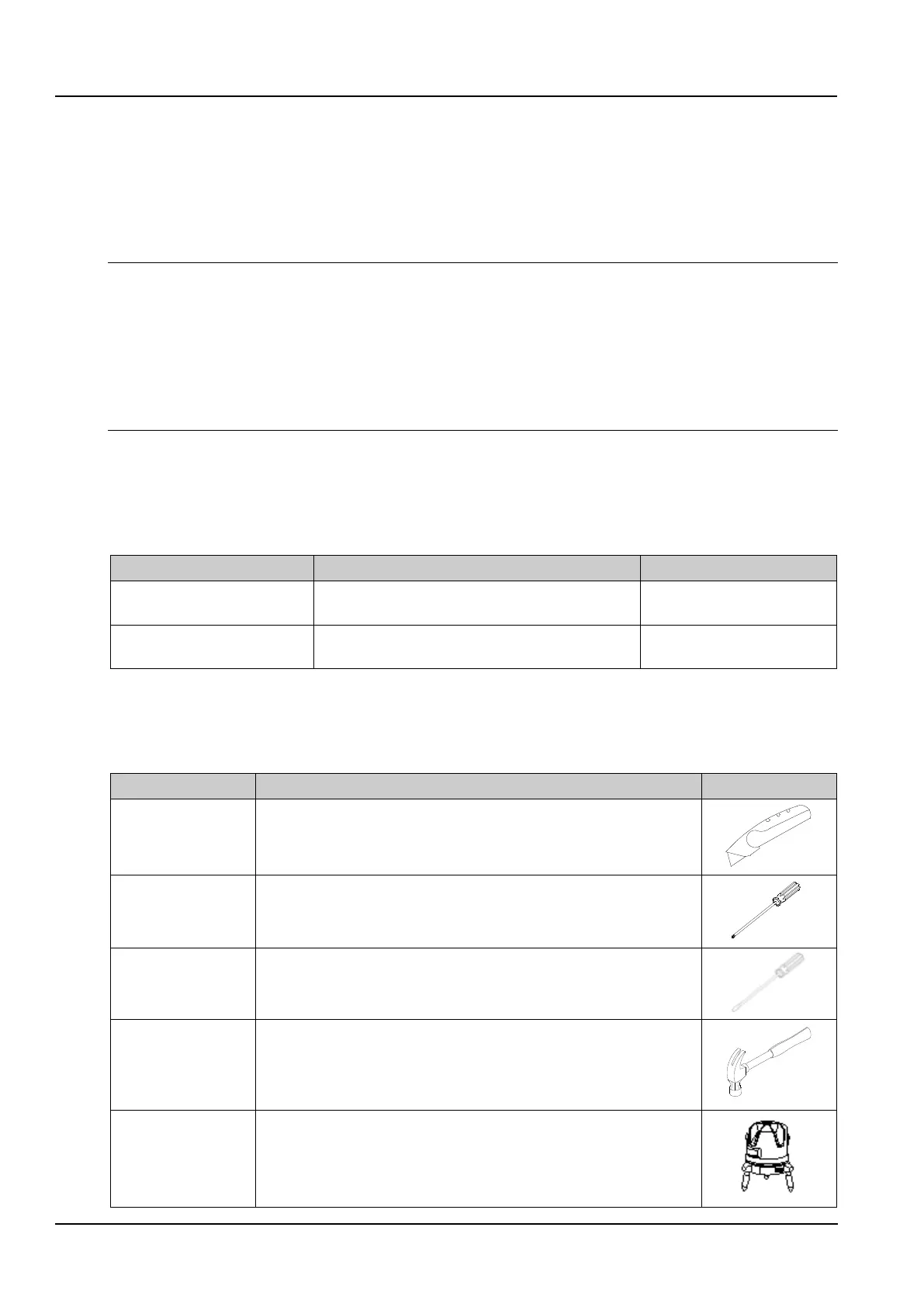
Before installing the SmartCabinet2-E product, in addition to this document, you need to prepare the following
materials in advance so that you can refer to it at any time.
Table 2-1 SmartCabinet2-E system features



 To Next Page