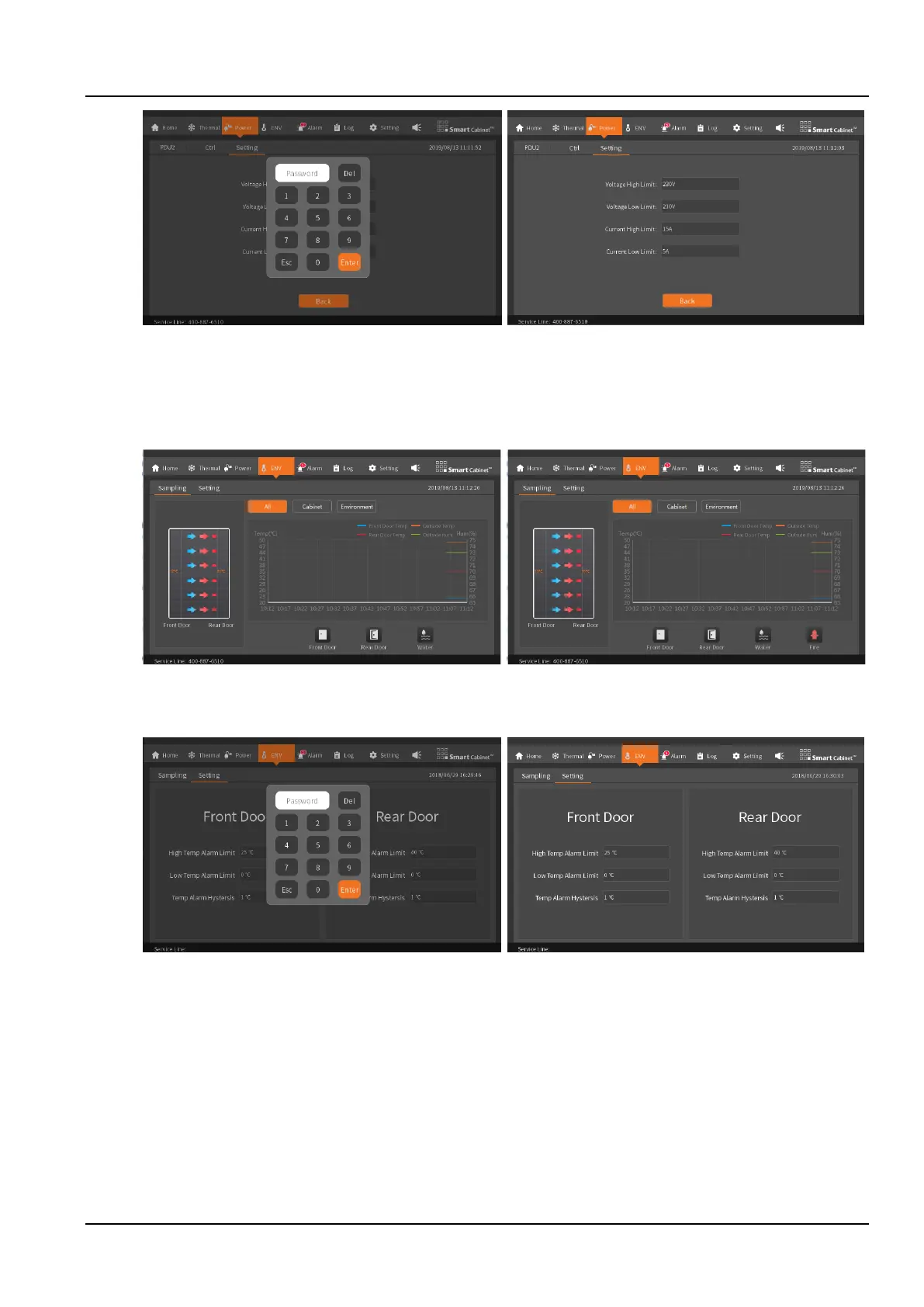
Figure 3-10 PDU source range setting
3.1.6 ENV
The environmental values are similar to the thermal management. The front and rear door temperatures are
displayed in a graph for nearly one hour of data; the fire subrack icon in the environmental values is hidden
automatically according to whether the fire subrack is configured, as shown in the Figure 3-11.
No fire subrack icon Have fire subrack icon
Figure 3-11 The amount of environmental data collection screen
When setting the environment values, a password is required to enter, as shown in the Figure 3-12.
Figure 3-12 Set the amount of environmental data screen (requires a password to enter)
3.1.7 Alarm
The alarm screen displays the active and history alarms of the system.
The active alarms list various alarm information currently in the system. Each alarm information includes alarm
content, alarm level (minor alarm, major alarm, critical alarm), and alarm time. By viewing the alarm information, the
user can accurately understand the current system operation status, and timely process alarm information to ensure
stable and safe operation of the system, as shown in the Figure 3-13.



 To Next Page