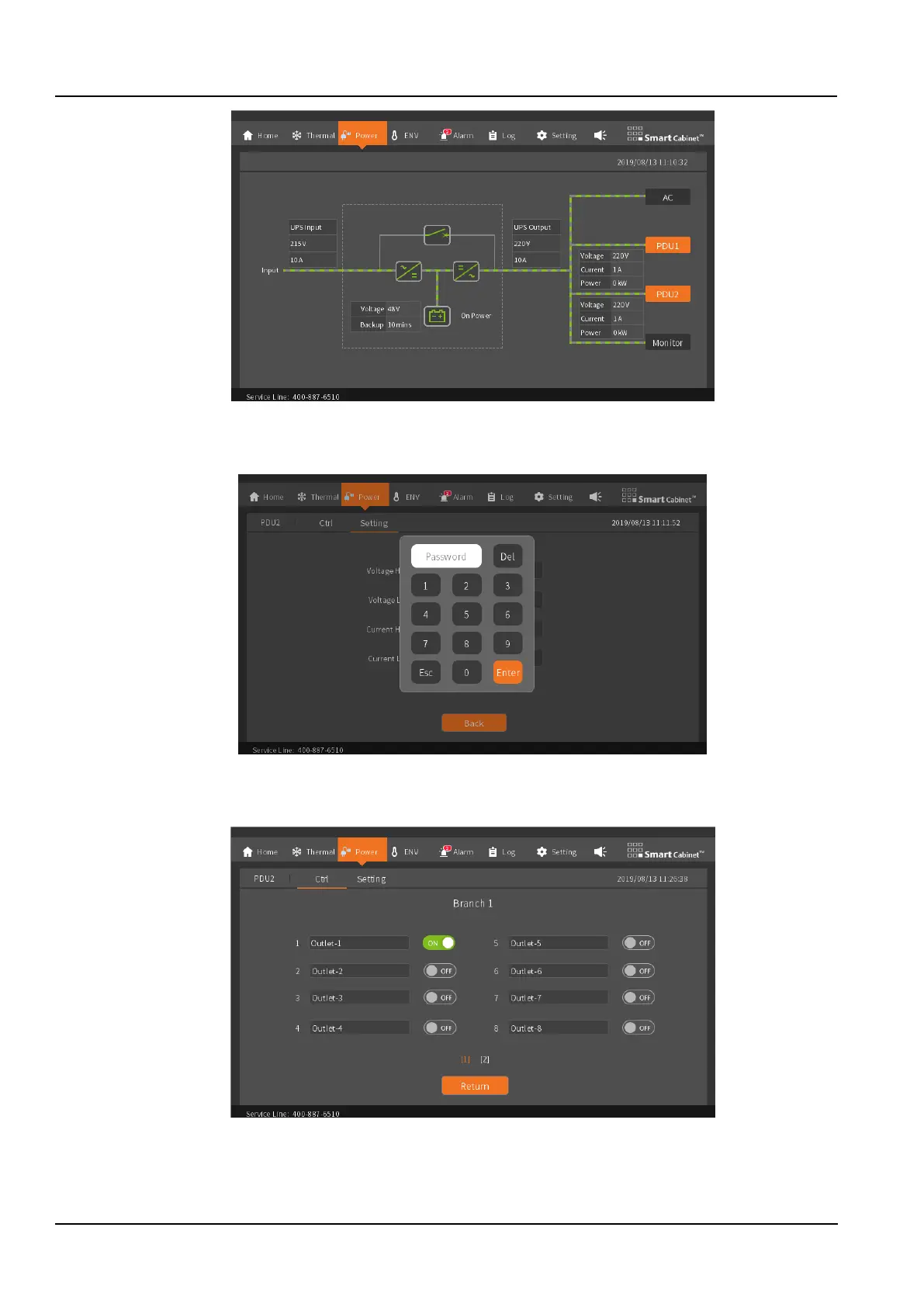
Figure 3-7 Both 2 PDUs
In the power supply and distribution, any port of the PDU can be controlled to be on and off. When performing control
operations, password verification is required, as shown in the Figure3-8.
Figure 3-8 PDU Control Password Page
On the control page, you can view the on/off status of each PDU port and the customized interface name. (For the
description of PDU custom port, please refer to the 3.2.4 menu items section's attention).
Figure 3-9 Port control
The PDU voltage and current range can be set on the setup page.



 To Next Page