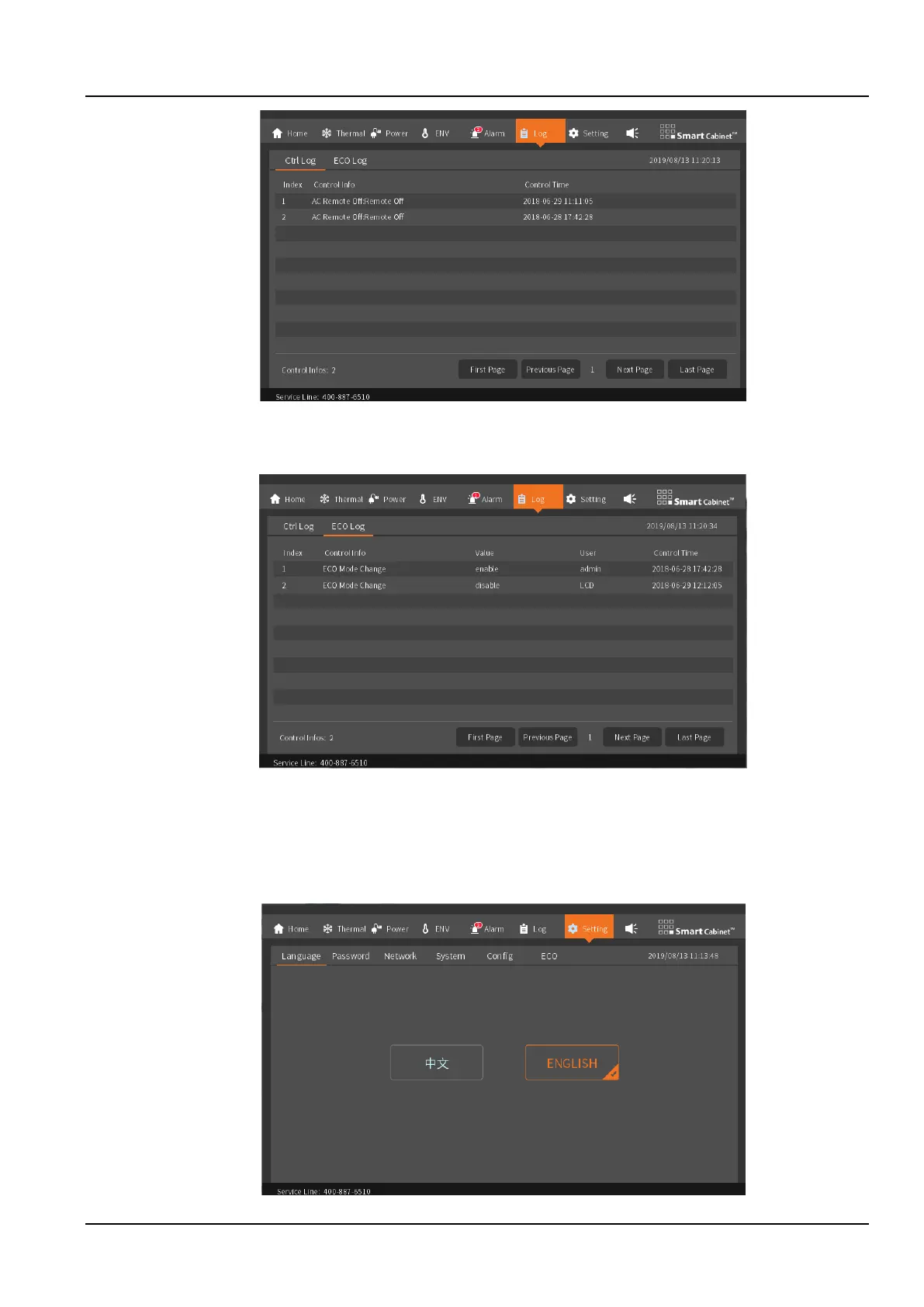
Figure 3-15 Control log interface
The ECO Log page mainly shows the operations related to the start and stop of the ECO module, as well as the
record of the runtime environment values.
Figure 3-16 ECO log
3.1.9 Settings
The settings page includes six options for Language, Password, Network, System, Config and ECO.
1. Language
Used to switch between two built-in LCD local display interface languages, as shown in the Figure 3-17.
Figure 3-17 Language



 To Next Page