2. Password
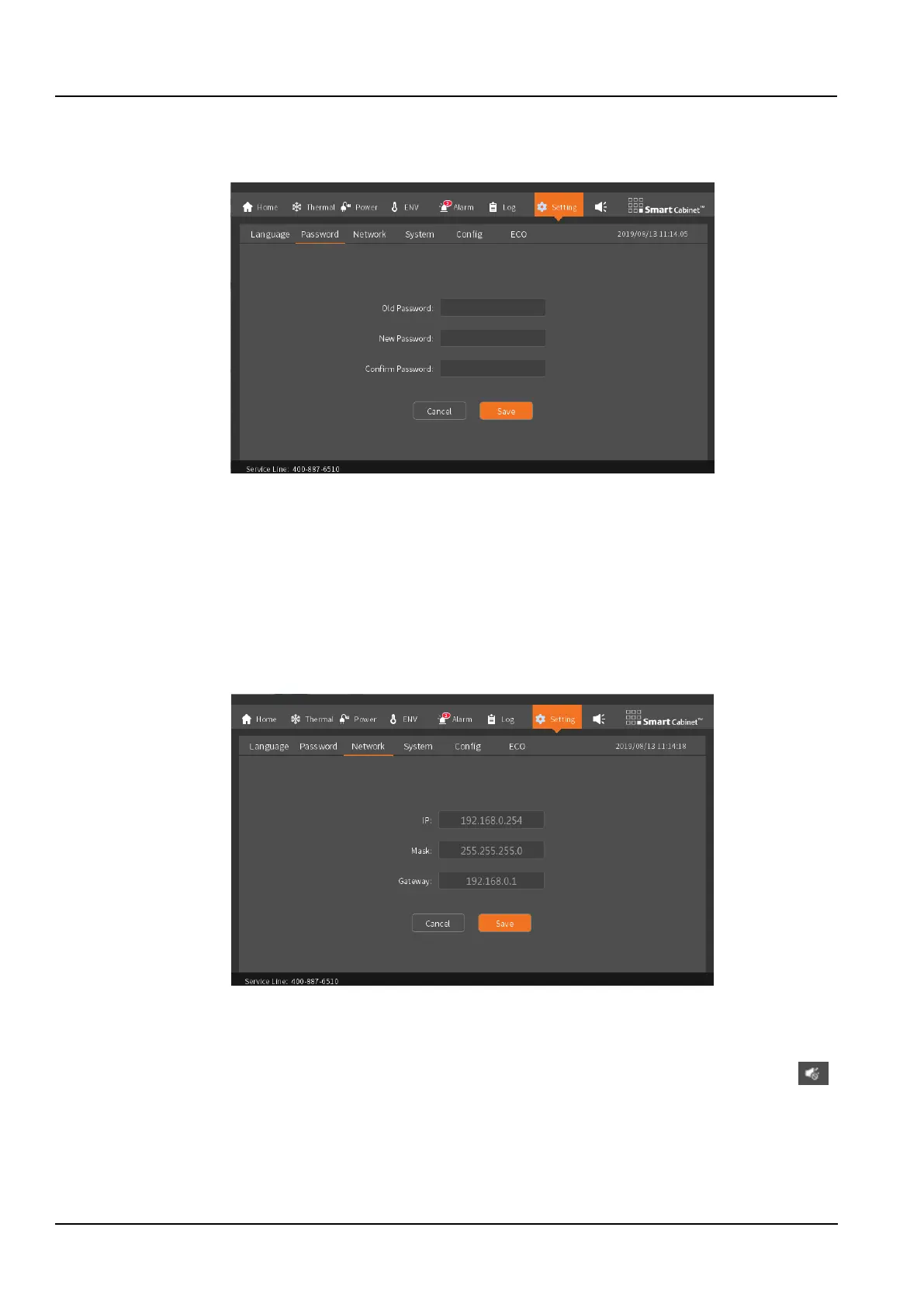
The password (default is “1234”) is used to control the setting authority. For example, the air conditioner's power
on/off and temperature settings require the correct password entry, as shown in the Figure 3-18.
Figure 3-18 Password
3. Network
Used to query and modify the IP address of the SmartCabinet2-E intelligent monitoring unit. To modify the system
NIC information, click the input box of the corresponding NIC information, enter the IP address information to be set
in the string format, click the Save button, and enter the LCD local display password, then the IP address information
will be sent to the control system to set New IP. Connect the external PC to the corresponding Ethernet port, access
the corresponding network address, log in to the system WEB page, and view the running status of the system in real
time on the PC side, such as system alarm information, remote opening of smart door lock, air conditioner on/off and
temperature settings, etc., to achieve remote access to the system. The IP address setting screen is as shown in the
Figure 3-19.
Figure 3-19 Network
4. System
Check the software and hardware version number and copyright information of the SmartCabinet2-E intelligent
monitoring unit. In the maintenance mode, no alarm sound will be generated, and the alarm icon will change to .
To click, you need to cancel the maintenance mode on the system page. The system interface is shown in the Figure
3-20.



 To Next Page