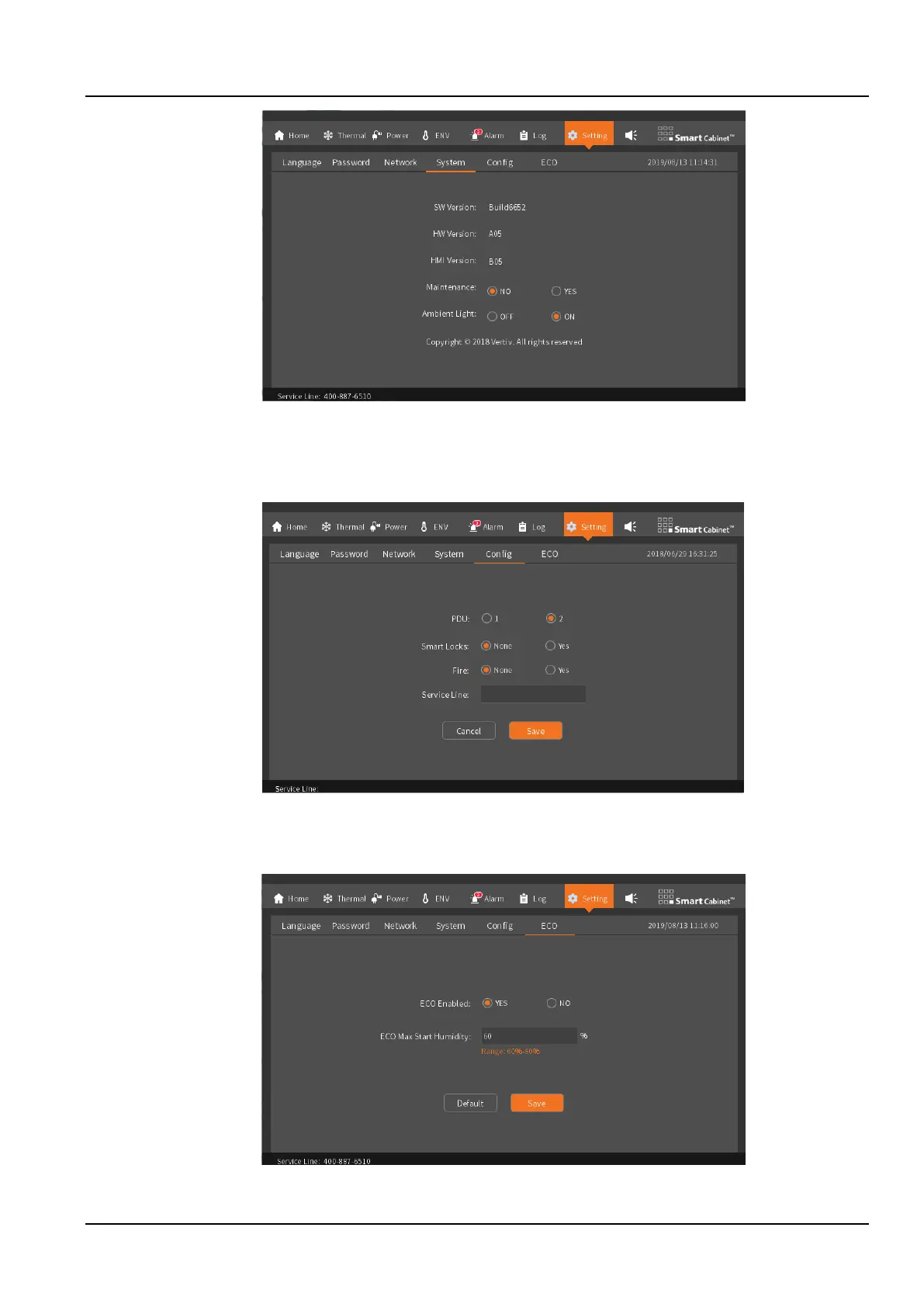
Figure 3-20 System
5. Config
The SmartCabinet2-E configuration page configures the number of PDUs, smart door locks, and fire subracks, as
shown in the Figure 3-21.
Figure 3-21 Configuration
6. ECO
On the ECO page, you can set the ECO mode enable status and ECO entry humidity conditions.
Figure 3-22 ECO settings



 To Next Page