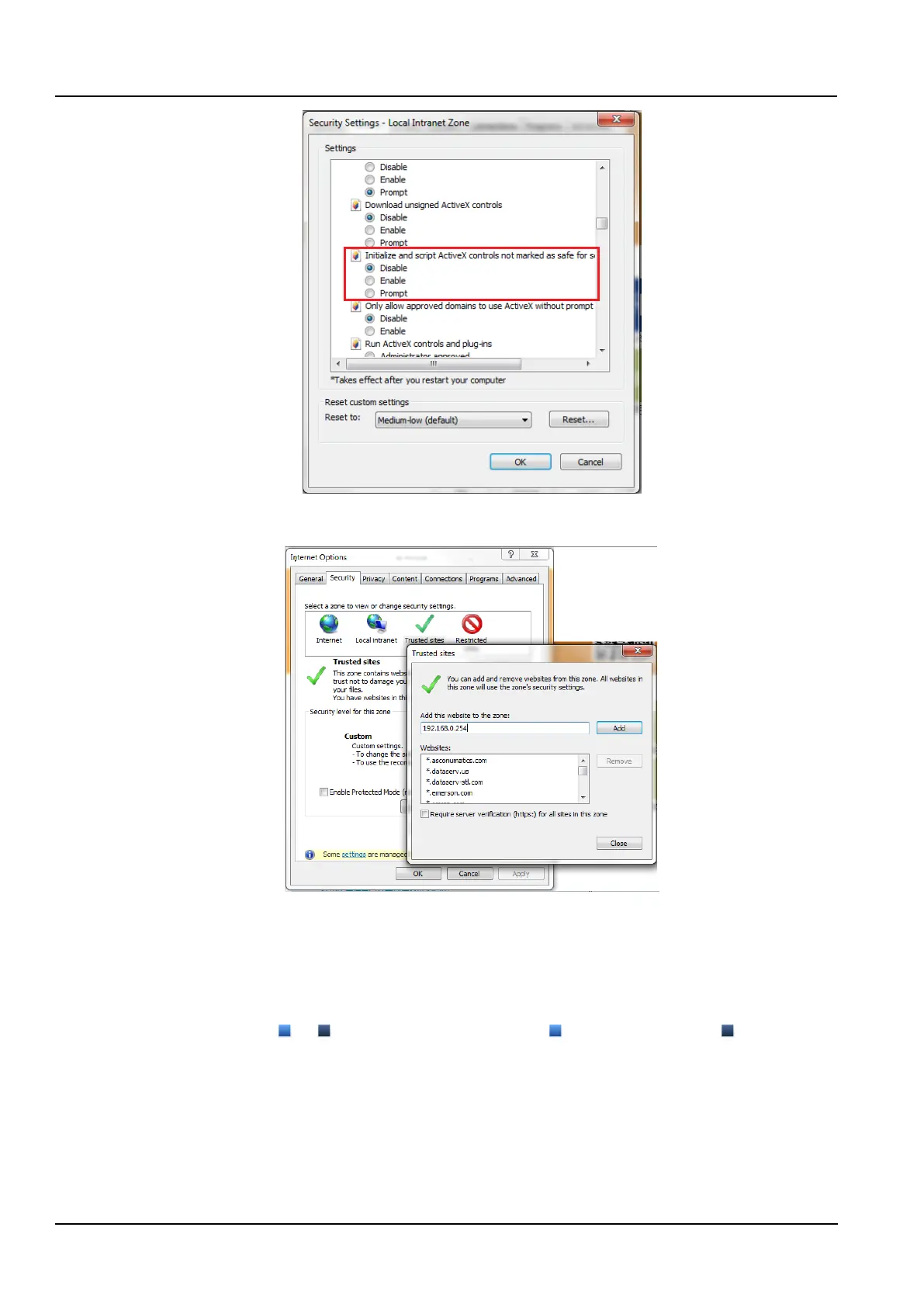
Figure 3-31 Enable ActiveX Controls
6) Add the IP address of the Intelligent Monitoring Unit to the list of trusted sites, as shown in the Figure 3-32.
Figure 3-32 Add to trusted sites
3.2.2 Logging in the remote monitoring platform
1. Login page
1) Start the browser, enter the IP address of the intelligent monitoring unit in the address bar, and the login page
appears. As shown in the Figure 3-33, if the login page does not appear, see the 3.2.1 1. Check IE general settings.
2) On the login page, click or to select the favorite theme style, represents crystal blue; represents
ocean blue, as shown in the Figure 3-33.



 To Next Page