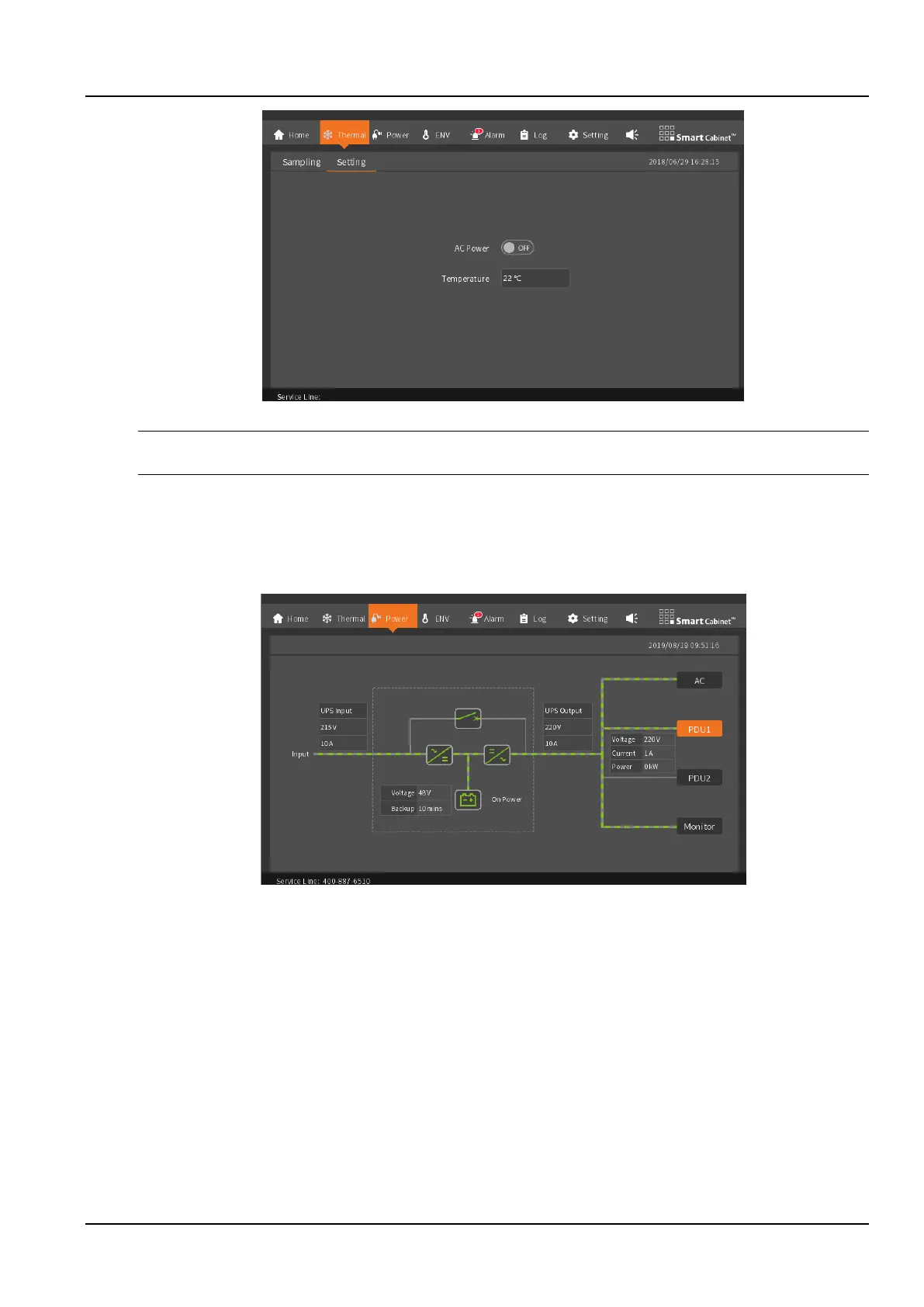
Figure 3-5 Thermal management setting screen
Notices
HMI the default password for local settings is "1234".
3.1.5 Power
The power distribution page embodies the entire power distribution part of the system. Whether the PDU can be
clicked or not is determined by whether the system is equipped with PDUs. As shown in the Figure 3-6, PDU1 can
view specific parameters, PDU2 is not configured, and parameters cannot be viewed.
Figure 3-6 PDU1 only
After selecting two PDUs, you can view the parameters, as shown in the Figure 3-7.



 To Next Page