SmartCabinet2-E Series Computer Room Solution Product User Manual
10 Chapter 2 Product Installation And Commissioning
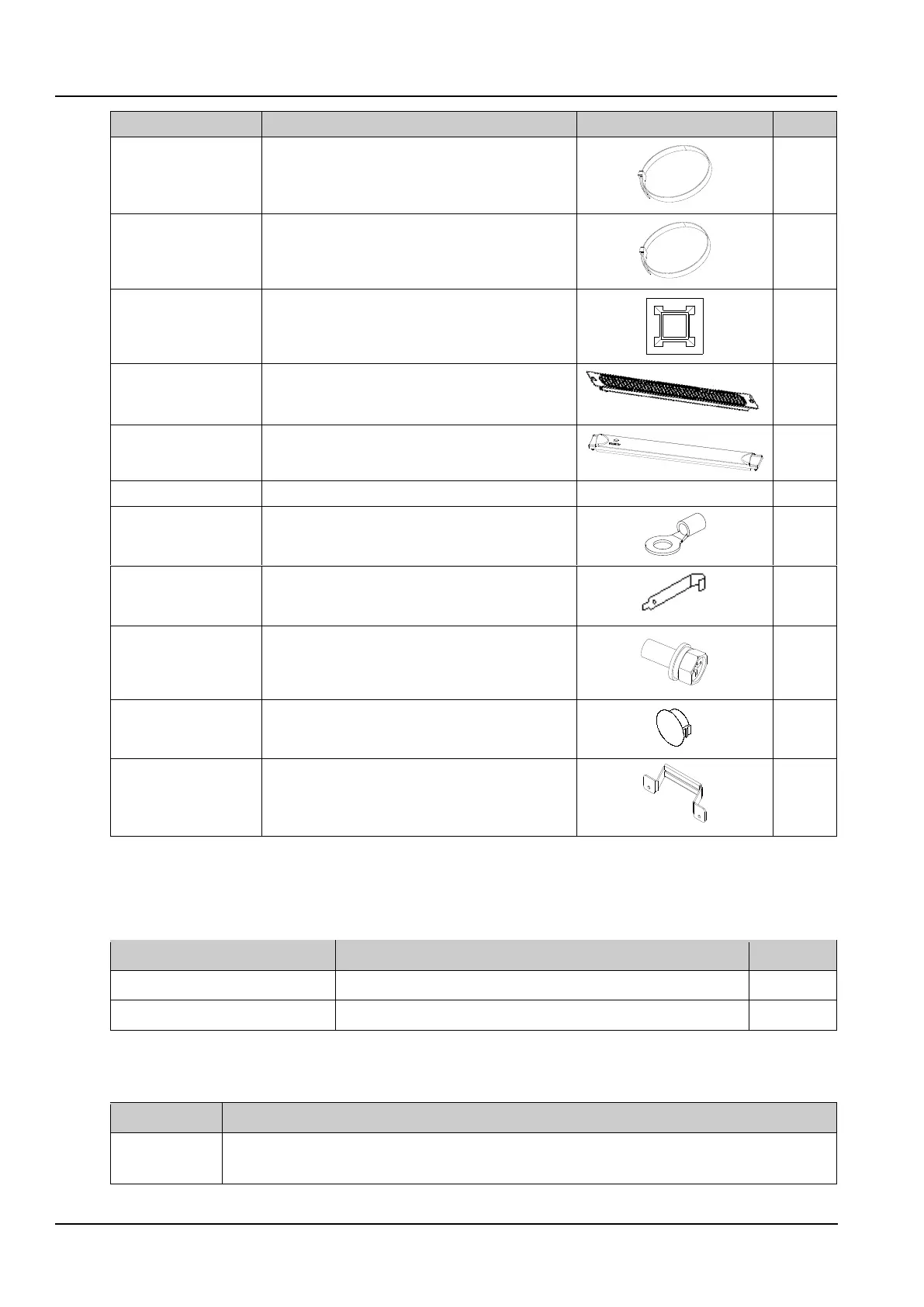
Used for fixing the cable
1U dummy panel with
brush
Used for blocking the U position with cable passing
Used for blocking U position
Clamped onto the user input power cable
Remove or install the floating nut
Used for the installation of user parts in the cabinet
Dismantling and installing AC
2.1.3 Installation Environment
Cabinet information
Table 2-4 Cabinet information
Dimensions (width × depth × height)
Installation Environment
Table 2-5 Installation Environment
Ground flatness tolerance 3mm/2000mm
Site height ≥ 2.4m(If the Airduct is including, Site height ≥ 2.7m)



 To Next Page