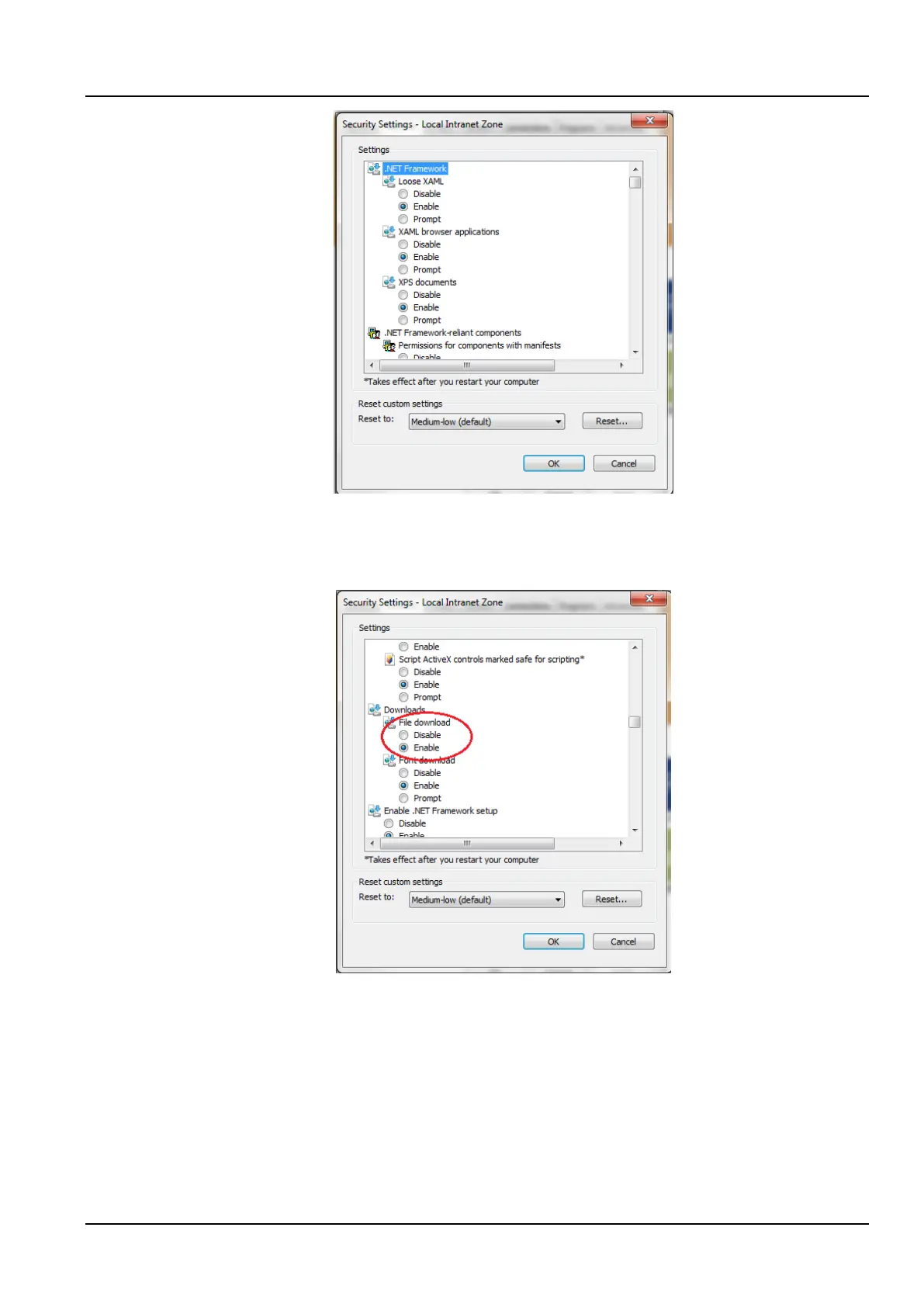
Figure 3-29 Security Settings 2
3) Select “Medium Low (default)” as shown in the Figure 3-29, and click the Reset (E) button to end resetting the
custom settings.
4) Set to enable File Download, as shown in the Figure 3-30.
Figure 3-30 Enable file downloads
5) Set to enable the Initialization and scripts ActiveX controls not marked as safe for script, as shown in the
Figure 3-31.



 To Next Page