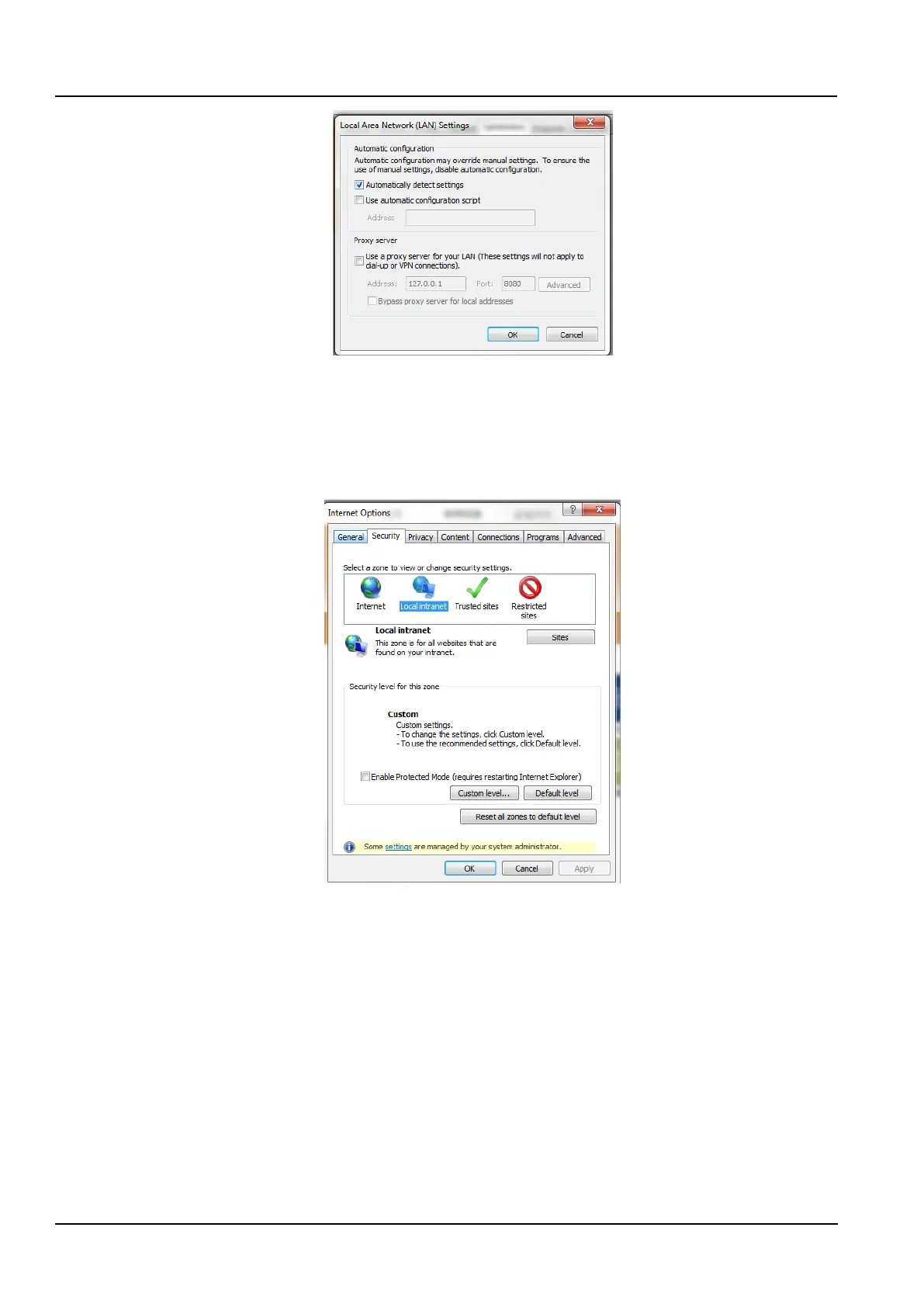
Figure 3-27 Local area network settings
3) Please consult the network administrator of your network to ask if you need to configure proxy and the
configuration method. If you do not need an agent, please do not check any options.
3. Check IE security settings
1) Double-click the IE icon to run the software, click on the Menu Tool → Internet Options, then select the Security
tab and the page shown will pop up.
Figure 3-28 Security Settings1
2) Select Local Intranet as shown in the Figure3-28, click Custom Level ..., and the dialog box shown in the Figure
3-29 will pop up.



 To Next Page