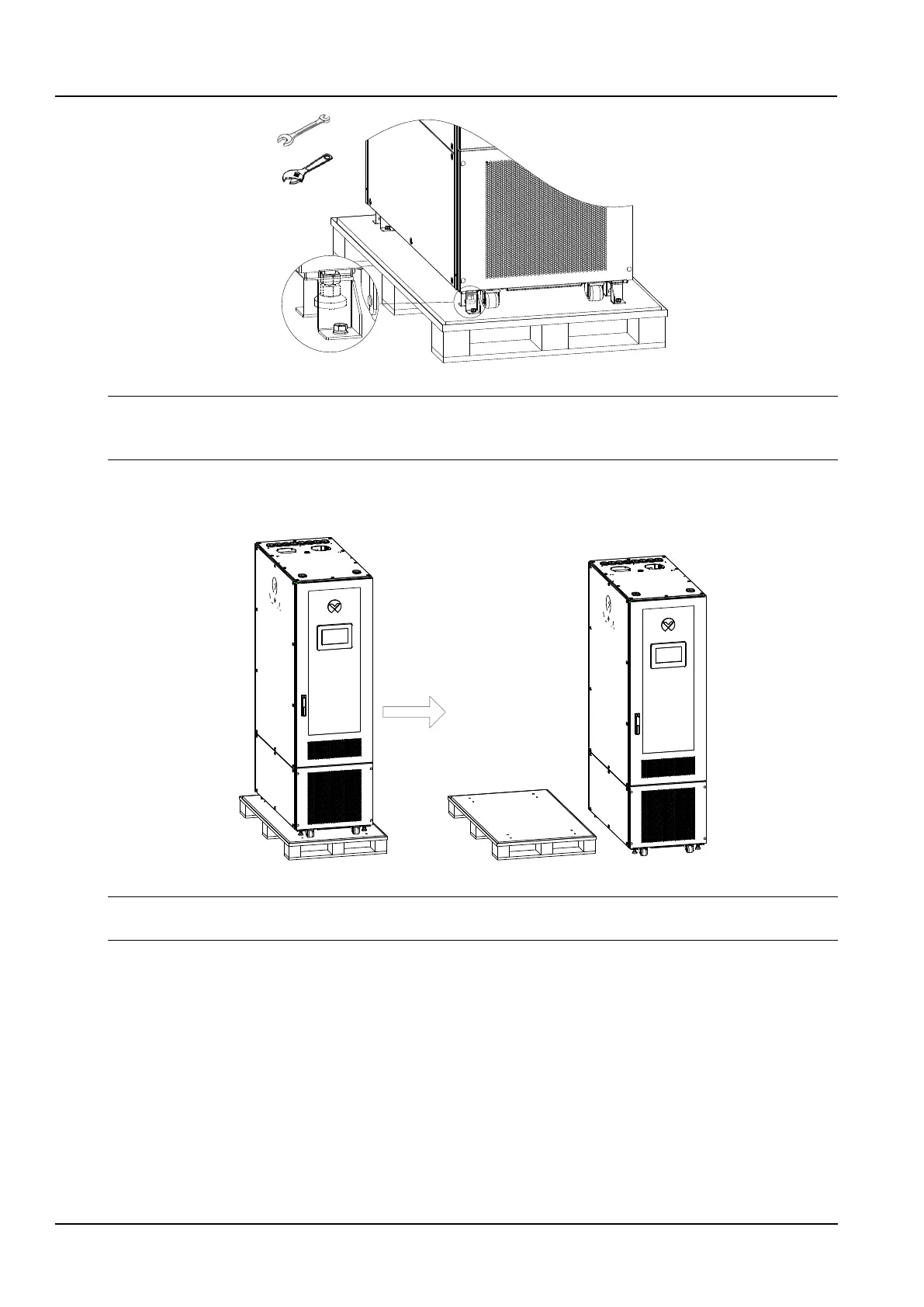
Figure 2-7 Remove foot-press plate
Notices
1. The cabinet kit has 4 press plates.
2. There is a risk of scratching the bottom of the cabinet when the floor pressure plate is disassembled.
5) Lift the cabinet horizontally, remove the pallet at the bottom, and gently place the cabinets on the horizontal floor
as shown in the figure 2-8.
Figure 2-8 Removing the pallet
Notices
After the cabinet is placed on the ground, it needs to be leveled, and the inclination angle is less than 5°.
2. Cabinet placement
The cabinet should be placed for future maintenance, as shown in Figure 2-9.



 To Next Page