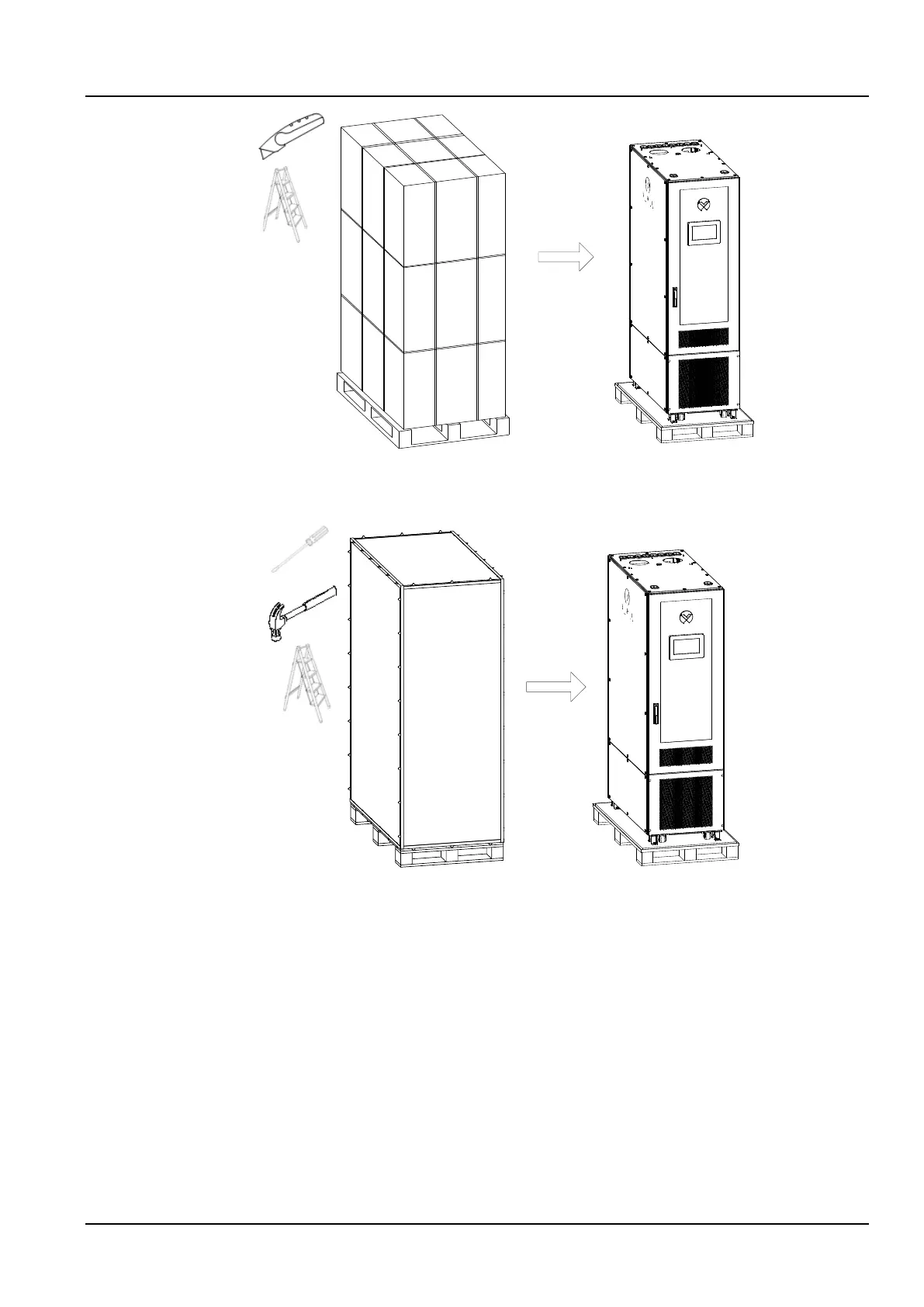
Figure 2-5 Remove paper package
3) If you receive the wooden box packaging, use a flat-blade screwdriver with a claw hammer to open the steel
tongue and remove the packaging board, as shown in Figure 2-6.
Figure 2-6 Remove wooden package
4) Use a #19 wrench to screw the foot nut, lower the foot, and lift the cabinet. Remove the M8 bolt with the movable
wrench and remove the foot-press plate, as shown in Figure 2-7.



 To Next Page