VIVOTEK - Built with Reliability
User's Manual - 119
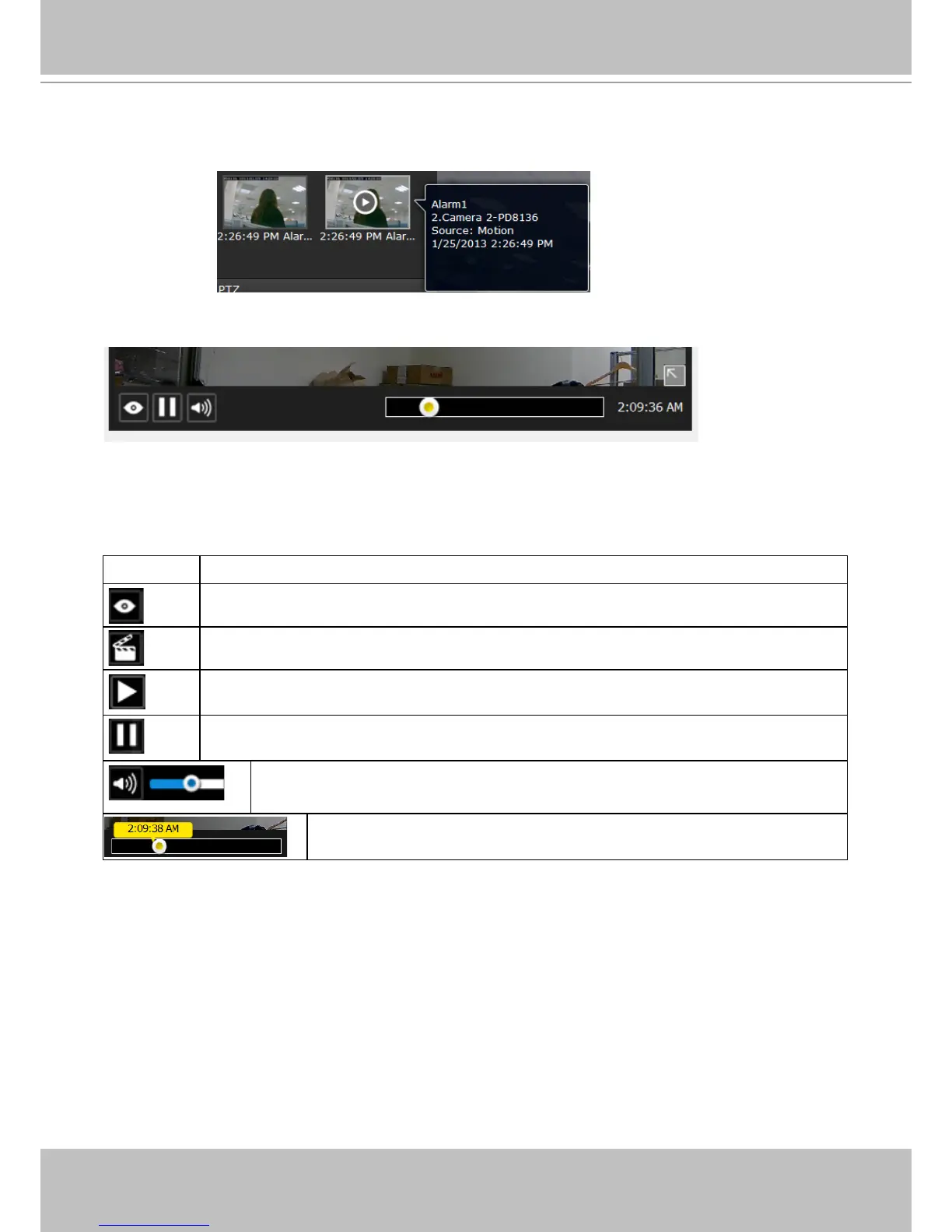
Move your cursor over an alarm with a recorded
footage. The Play button will become available.
Buttons Description
View live video: displays the live view streaming instead of the alarm recording.
Resumes the alarm playback.
Begins the alarm playback.
Pauses the current playback.
Mute or unmute the audio with the current playback. Drag the controller to
change the audio volume level.
Use the playback slider to quickly change the playback position.
The following buttons are available in the alarm playback window.



 To Next Page