VIVOTEK - Built with Reliability
User's Manual - 83
3-4-12. Settings - System - Display
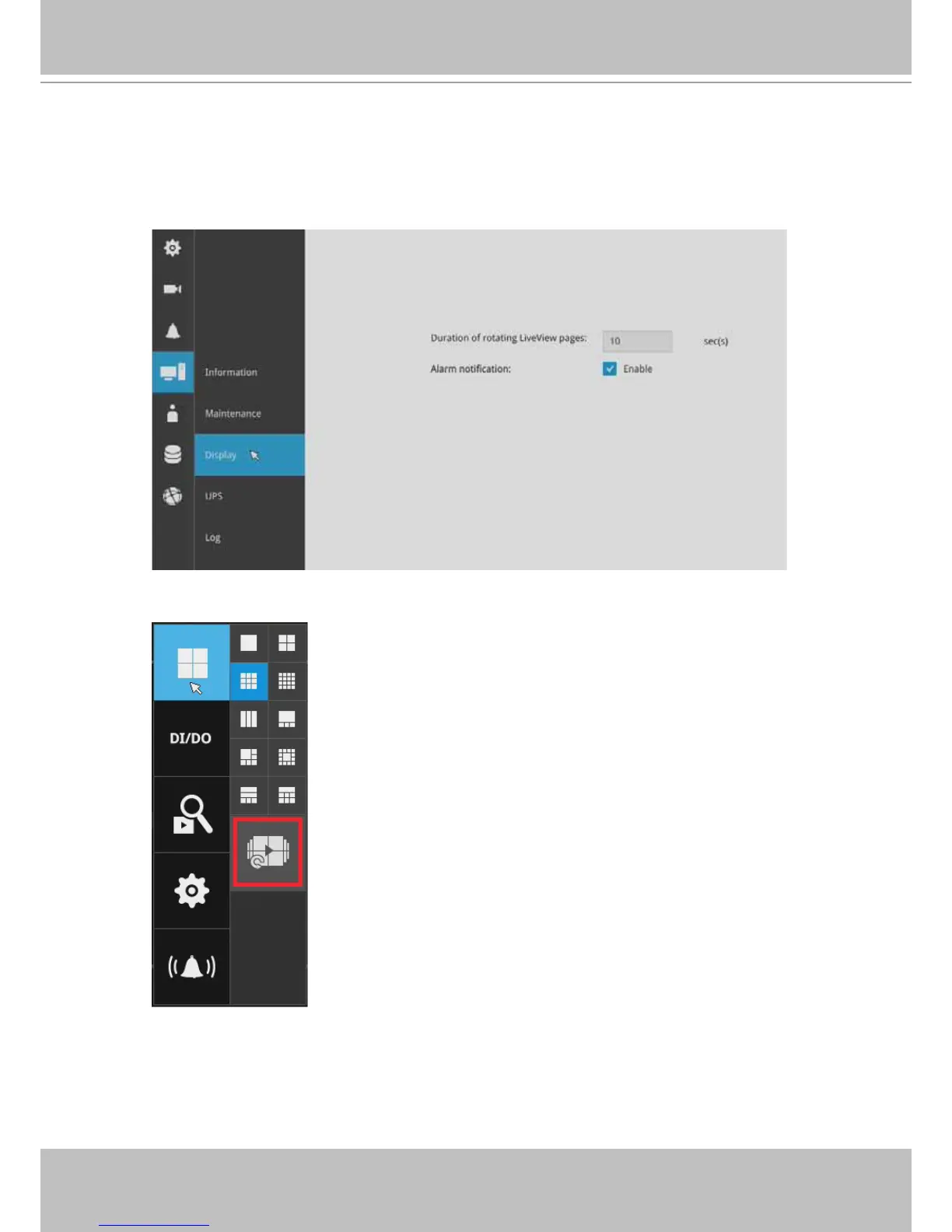
On this page, you can congure the system to consecutively display (rotate) cameras' view cells
on the Liveview window. For example, if you have 8 cameras in 2 2x2 layouts, the rotation can
let you see the live views of all cameras by every few seconds.
You can also enable or disable the Alarm notication.
To enable the rotate function, click on the rotate button on the layout panel.



 To Next Page