VIVOTEK - Built with Reliability
User's Manual - 131
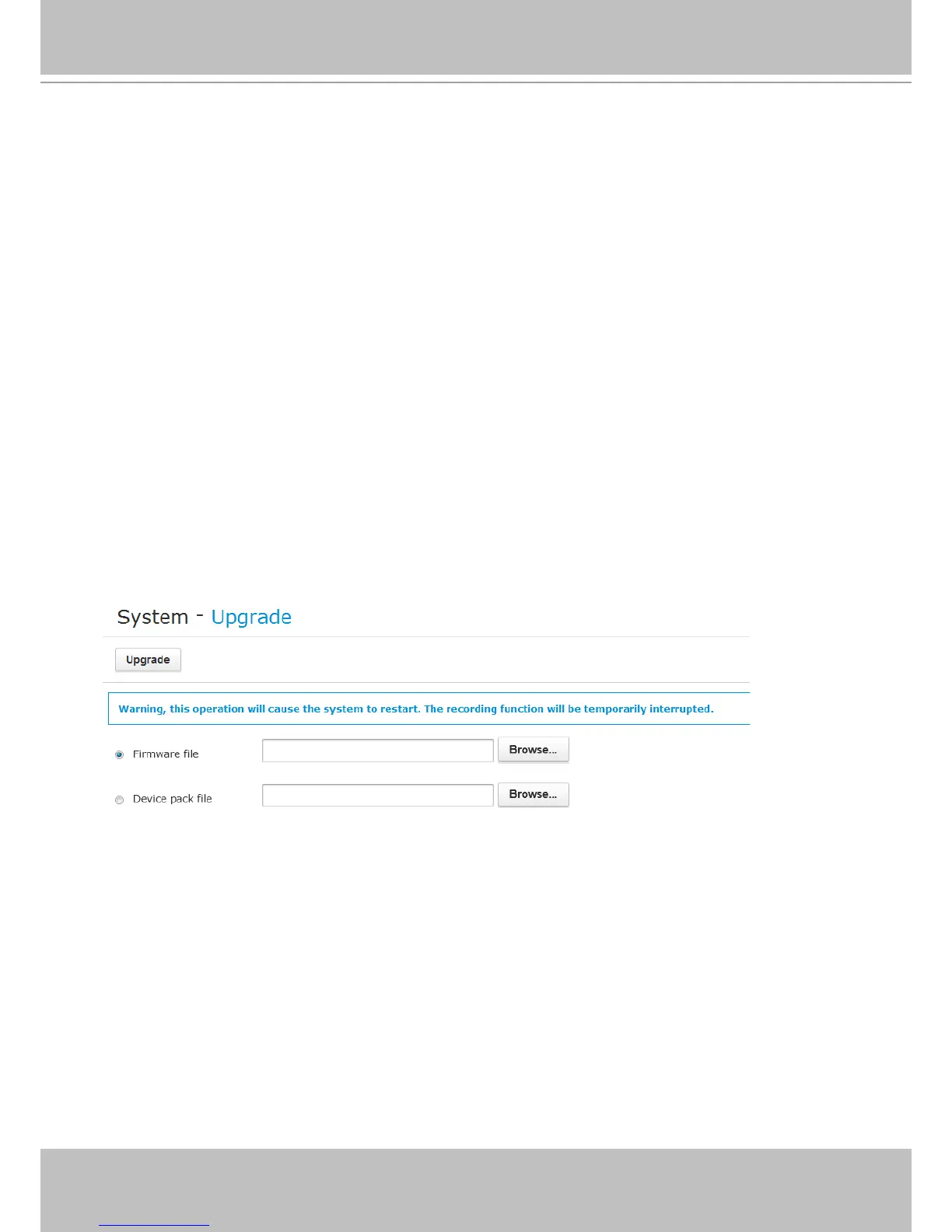
If the need arises for updating system rmware, acquire the update from VIVOTEK's technical
support or download site. Locate the rmware binaries, and click Upgrade. The upgrade should
take several minutes to complete. Note that during the upgrade, the recording task will be
interrupted.
A Device pack contains information for network cameras that are newly released. It enables the
implementation of new models into your NVR conguration with necessary parameters, and
other tunable imaging features.
5-1-2. System - Upgrade
The Schedule reboot device allows the system to clean up dirty cache by a scheduled reboot.
You can congure a reboot by a specic time within a week. Note that during the reboot the
video recording will be temporarily interrupted.
Scheduled reboot is an recurring event. Select the day within a week and a time for the reboot
using the checkboxes and drop-down menus.



 To Next Page