VIVOTEK - Built with Reliability
134 - User's Manual
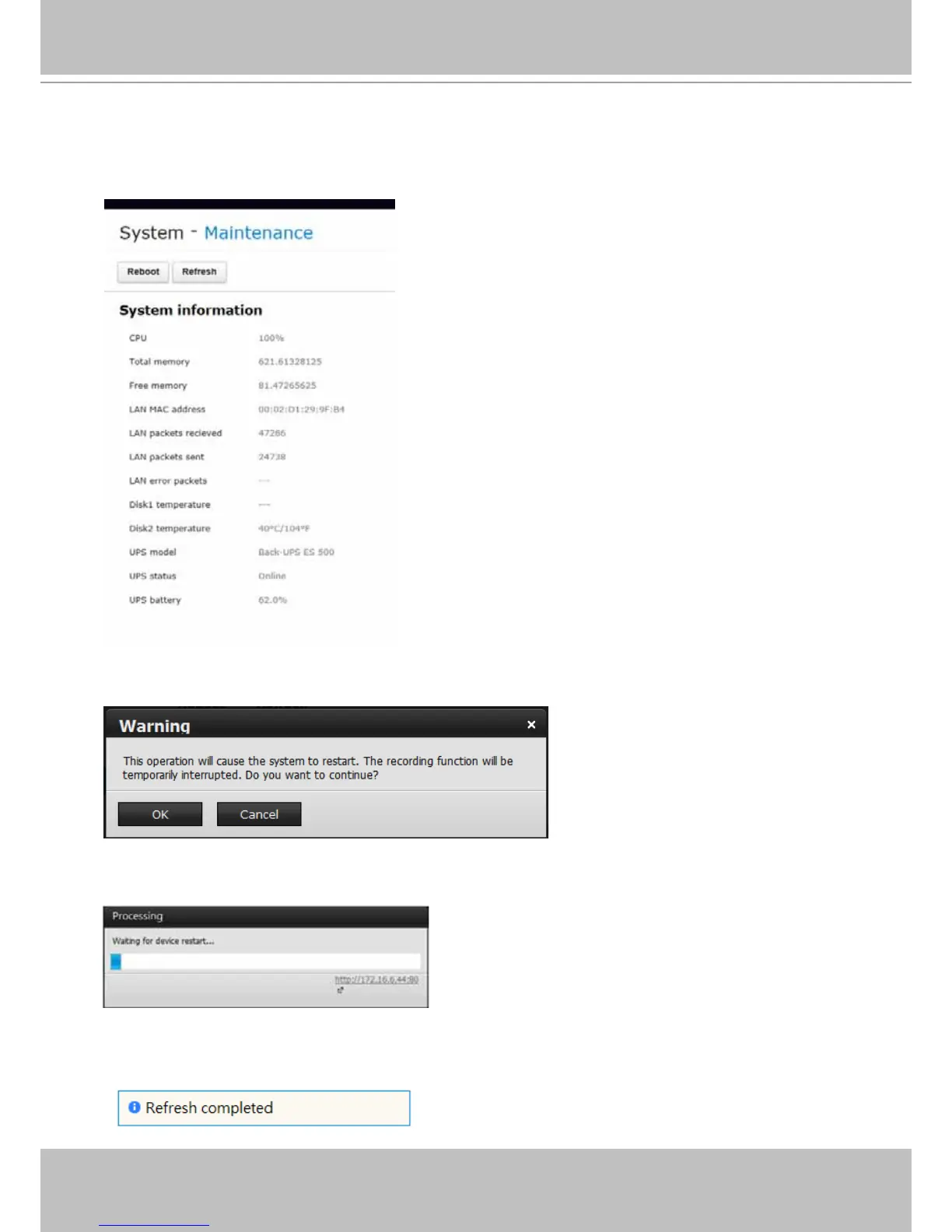
This window displays basic information of various aspects, including CPU and memory usage,
LAN port operation and its bonding, disk drive temperatures, and UPS status.
5-1-4. System - Maintenance
The Reboot button is used to restart the NVR system.
The Refresh button polls the system for the latest system information as previously described.
The Reboot process will take about 180 seconds to complete.



 To Next Page