VIVOTEK - Built with Reliability
User's Manual - 81
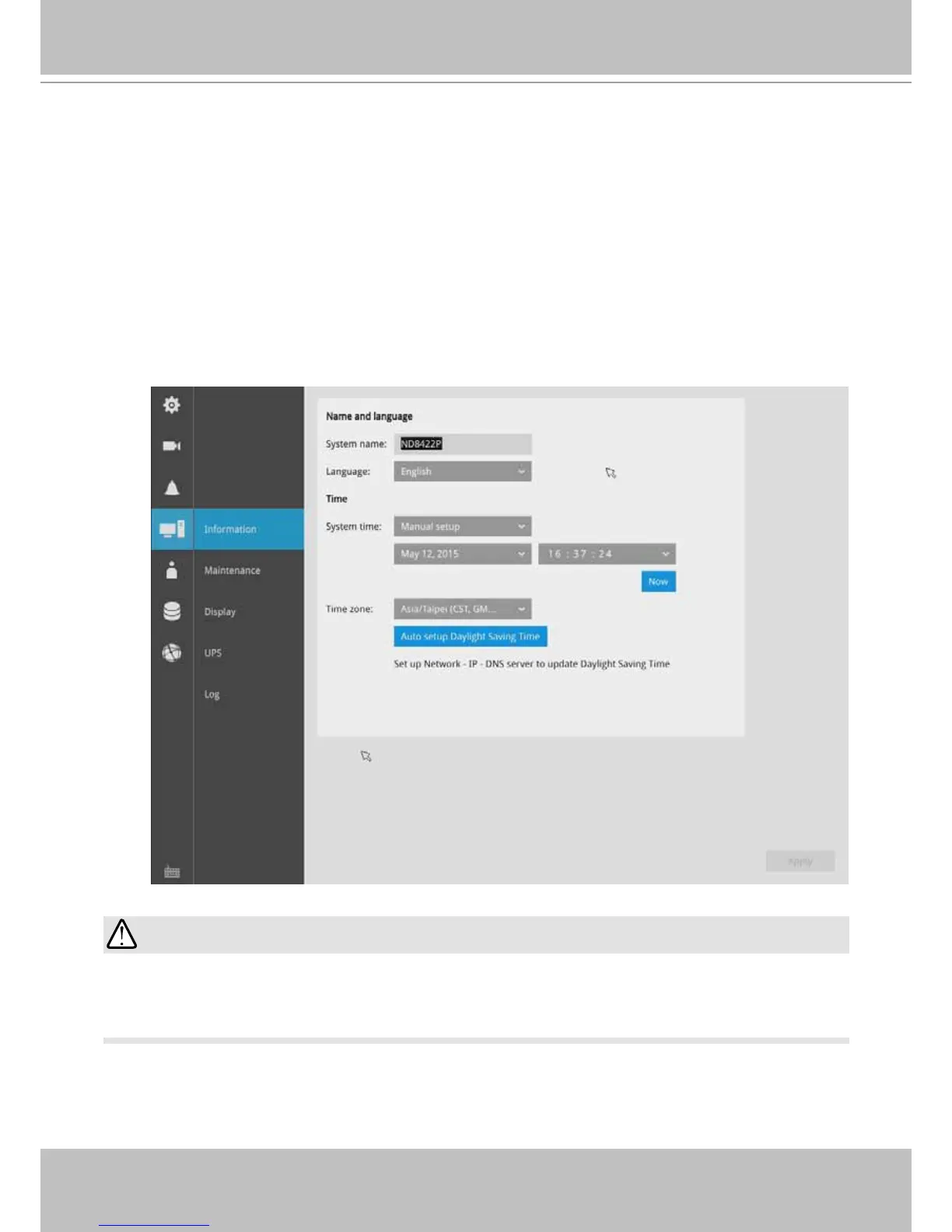
On this window, you can congure the following:
1. Change the system name.
2. Select the UI text language.
3. Congure system time, time zone, and if you are connected to a DNS server where
Auto Daylight Saving time can be applied, you can acquire the associated setting from
a server within your network.
4. Click the Apply button for the conguration to take effect.
Note that if NTP time server conguration (Auto) is preferred, the system will automatically
congure all cameras to be listening to the system, and therefore to the same time server.
3-4-10. Settings - System - Information
Changing system time can produce disruptions to the existing recordings. Turning the current
system time back to a time when video recording was taking place can generate duplicate les.
And those les may not be playable.
IMPORTANT:



 To Next Page