VIVOTEK - Built with Reliability
User's Manual - 129
Chapter Five System Settings
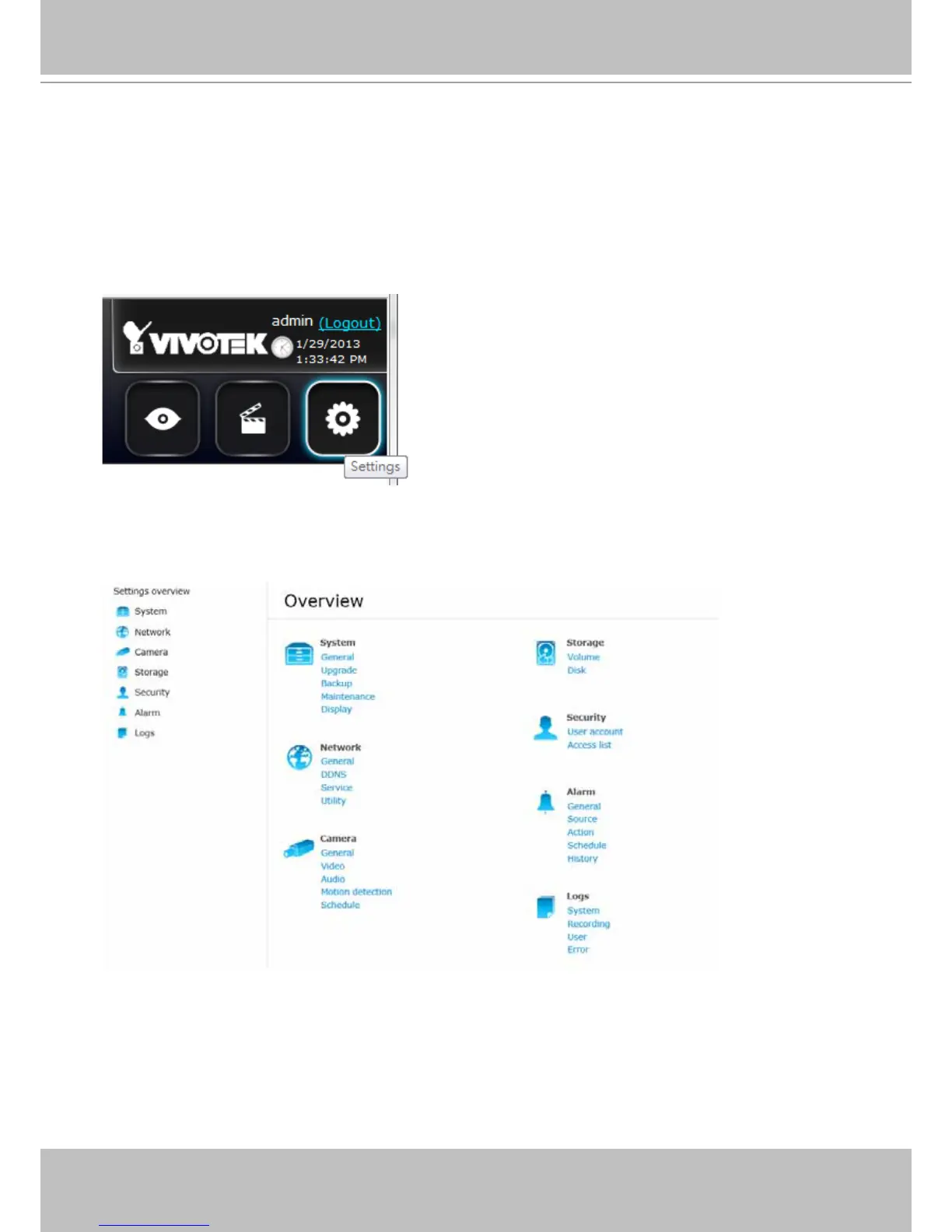
The Settings window is accessed by clicking on the Settings button on the Logo panel.
You will enter the Overview of the Settings window. All the conguration menus are placed under
7 major categories: System, Network, Camera, Storage, Security, Alarm, and Logs. Click on
any of the menu shortcuts to begin conguration.



 To Next Page