VIVOTEK - Built with Reliability
138 - User's Manual
VIVOTEK provides Safe100.net, as a free DDNS dynamic domain name service for users who
want access from the internet or a domain name service for the NVR. VIVOTEK maintains a
database of product MAC addresses for the Safe100.net service, and you can apply one domain
name for each NVR system.
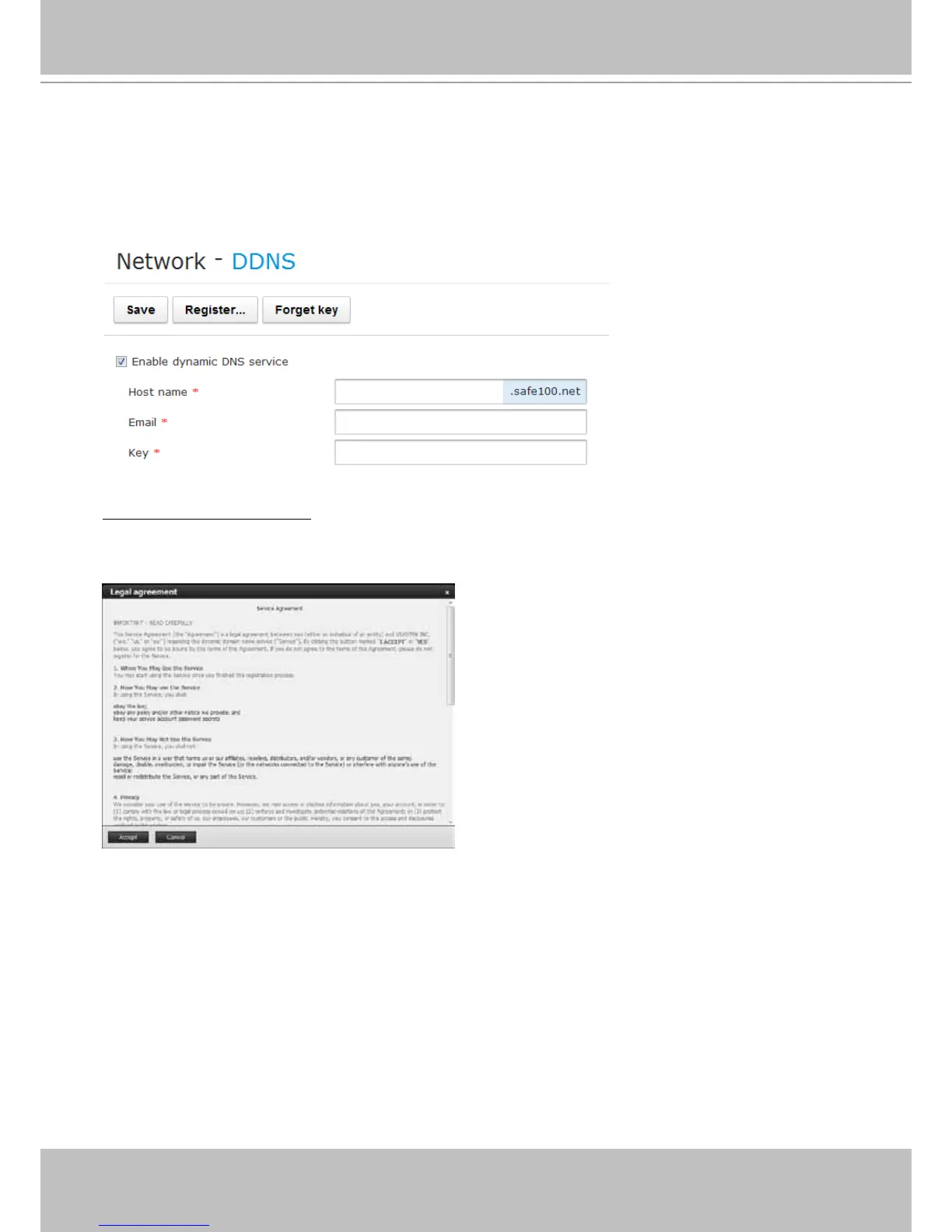
5-2-2. Network - DDNS
Enable dynamic DNS service: Select this checkbox to enable the DDNS setting.
Make sure you have internet access. Click the Register button. The terms of service agreement window
will prompt. Click Accept to proceed.
In the Register column, ll in the Host name (xxxx.safe100.net), Email, Key, and Conrm Key, and
click Register. After a host name has been successfully created, a success message will be displayed
in the DDNS Registration Result column.



 To Next Page