VIVOTEK - Built with Reliability
44 - User's Manual
3-3. Search recording clips
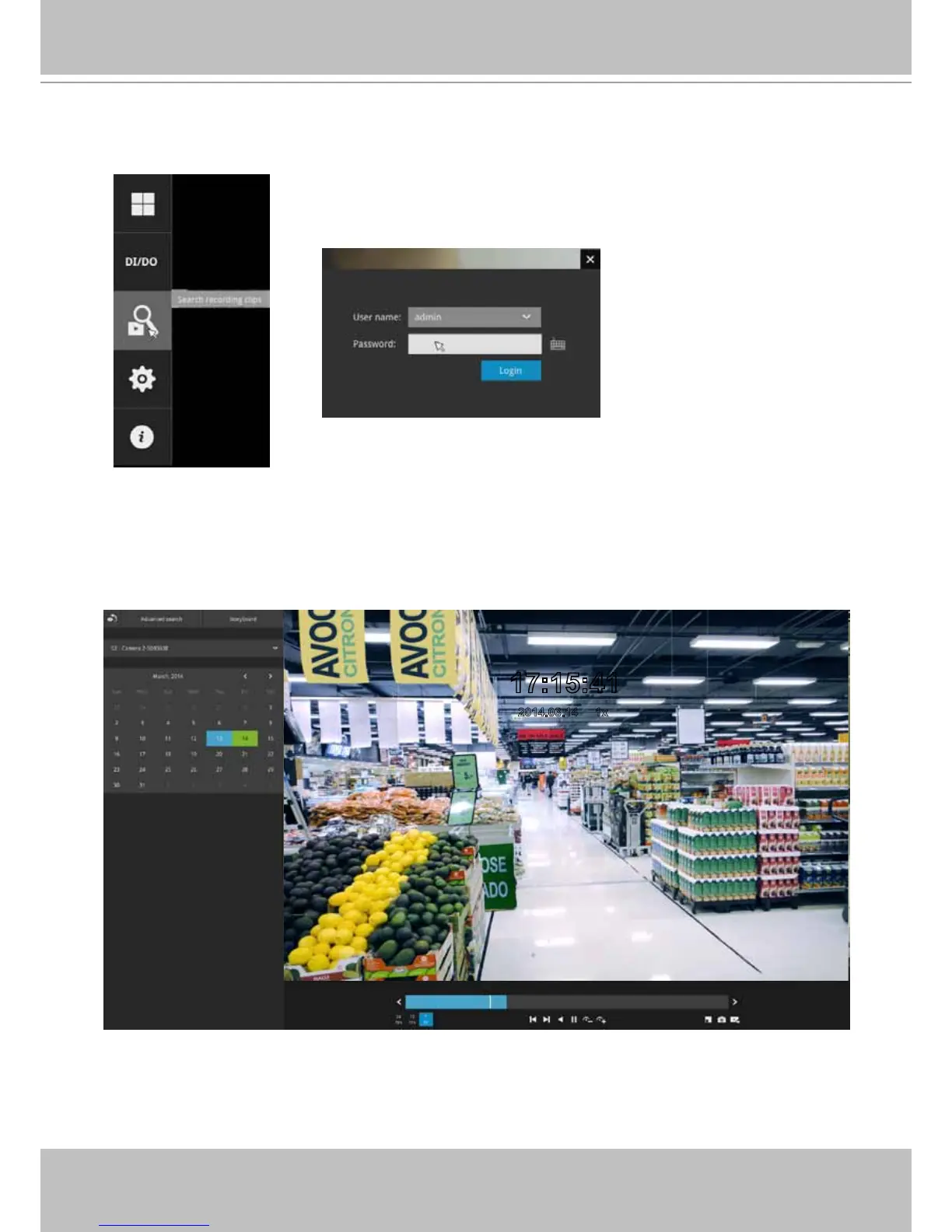
Click the button to start searching for recorded clips. A conrm box will
prompt. Enter User name and Password to proceed.
17:15:41
2014.03.14 1x
The search and calendar view will appear. Select a day on the calendar when the the
recordings took place (the days with recorded clips will be highlighted in blue and green).
Double-click on a day to begin playback and search.
The date highlighted in green indicates today, and the green indicator does not
necessarily mean that there are recorded videos today.
3-3-1. Basic Search



 To Next Page