VIVOTEK - Built with Reliability
User's Manual - 145
root
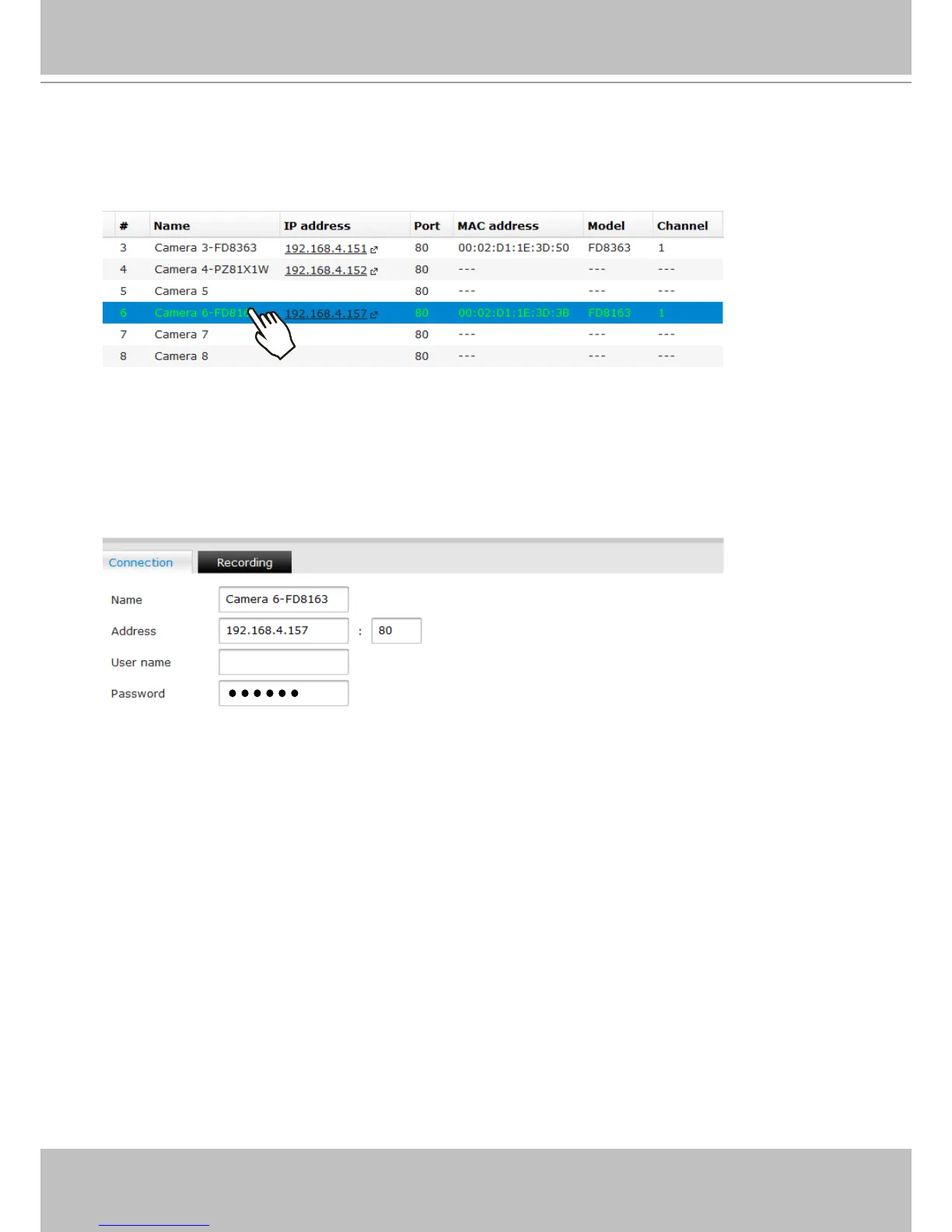
Left-click to select a camera, and edit the Connection and Recording conguration below:
1. Connection - You can rename the camera, and if your camera comes with password
protection, enter its User name and Password here. Otherwise, you will not be able to
manage or access the camera.
If preferred, the acceptable characters for a new camera name can be: [0-9][a-z][A-Z][_][-][ ].
The max. number of alphabetic and numeric characters is 64.
For a user name, the acceptable characters for a camera name can be: [0-9][a-z][A-Z][_][^][-][.]
[@][~][!][$][%]. The max. number of characters is 64.



 To Next Page