VIVOTEK - Built with Reliability
User's Manual - 161
To change the password for an existing user,
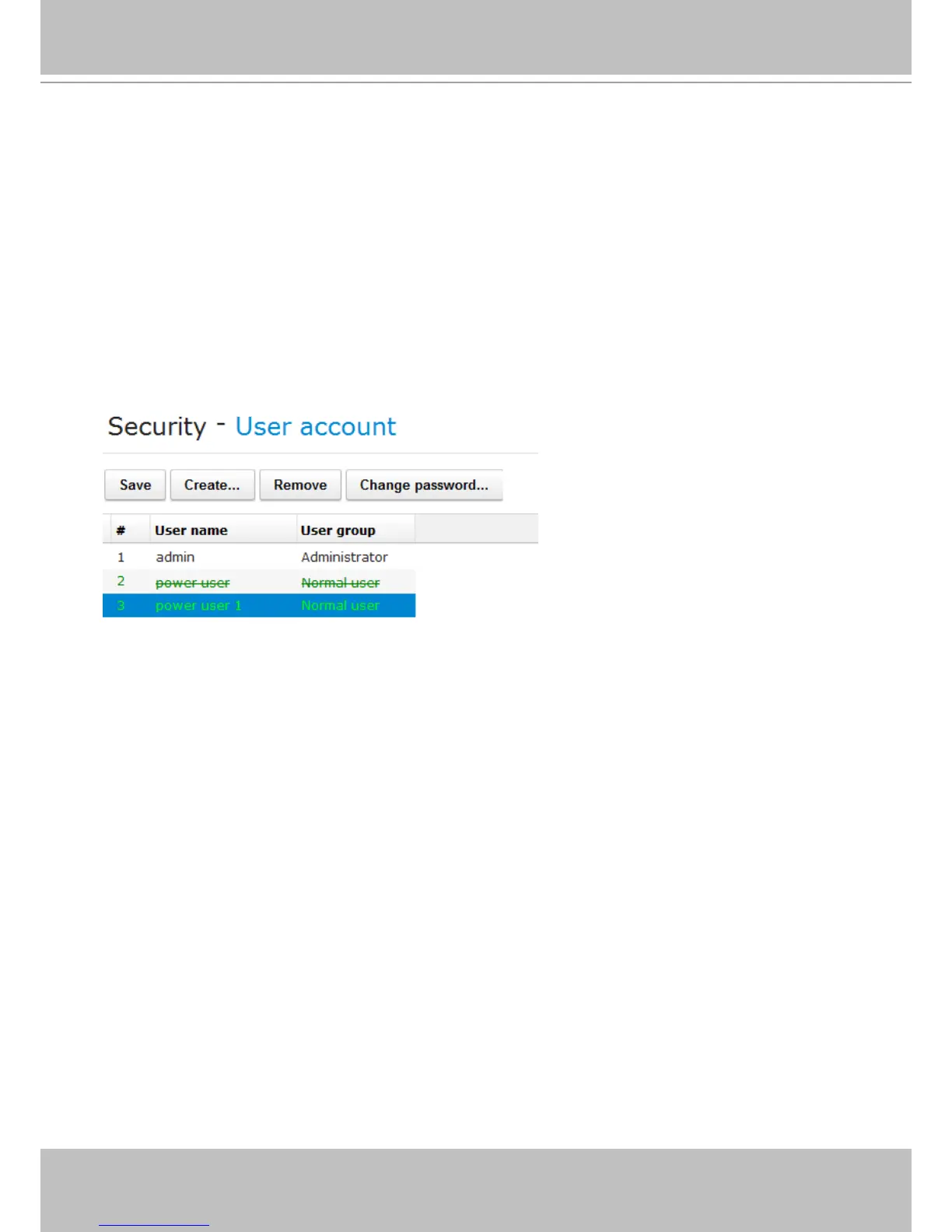
1. From the Security > User account window, click on an existing user.
2. click on the Change password... button.
3. The password prompt will appear. Enter the new password twice and click OK to conrm.
4. The user's entry will appear in a lighter color to distinguish it as a changed entry that has not
been applied.
5. Click Save to preserve your changes on the screen.



 To Next Page