VIVOTEK - Built with Reliability
User's Manual - 79
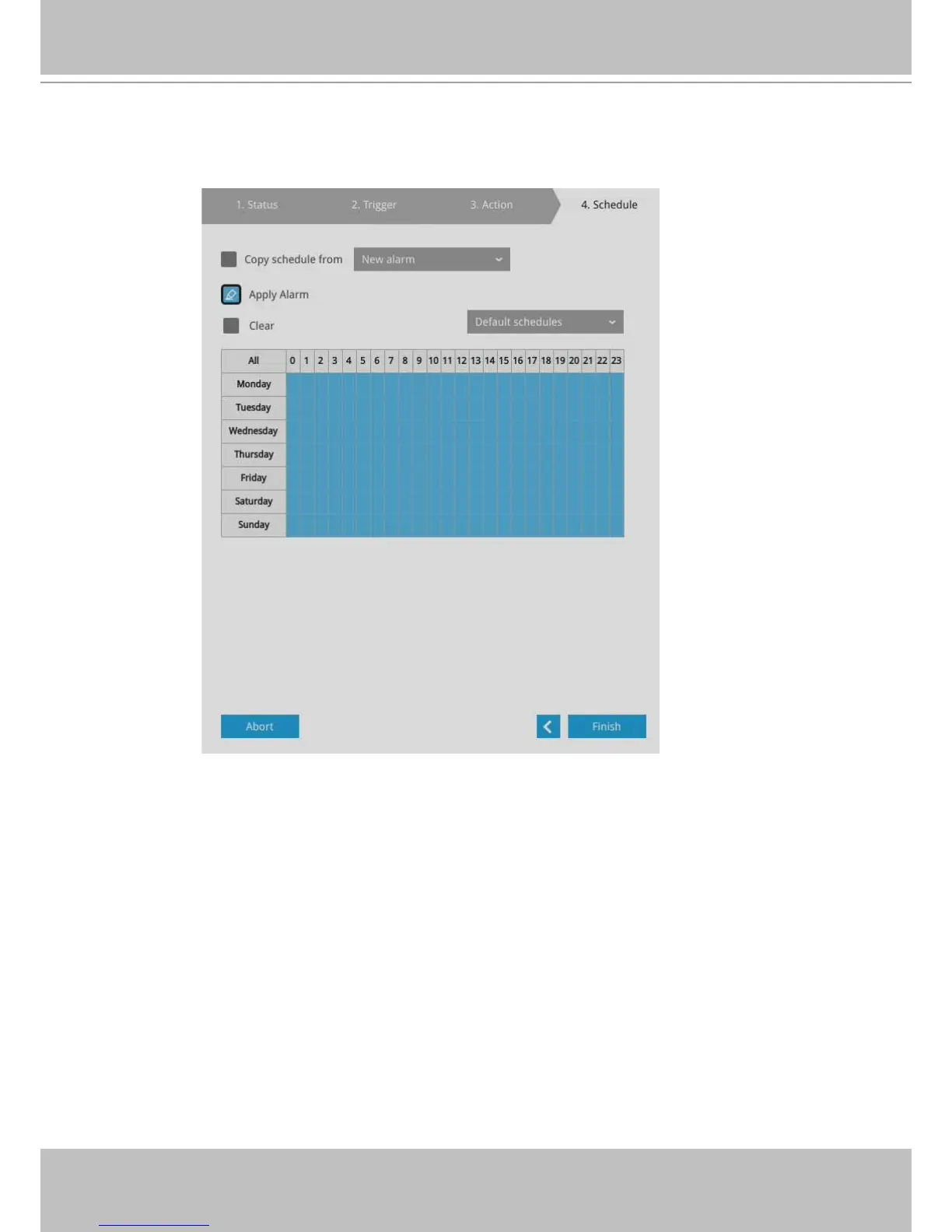
5. On the Schedule page, you can select to activate or de-activate alarm triggers throughout a
specic timeline. For example, in some situations you can disable the alarm triggers during
the ofce hours, and choose to enable the triggers only during the off-ofce hours.
6. Click Finish to end the conguration.
7. Repeat the process above to create more alarms according to the needs in your surveillance
deployment.



 To Next Page